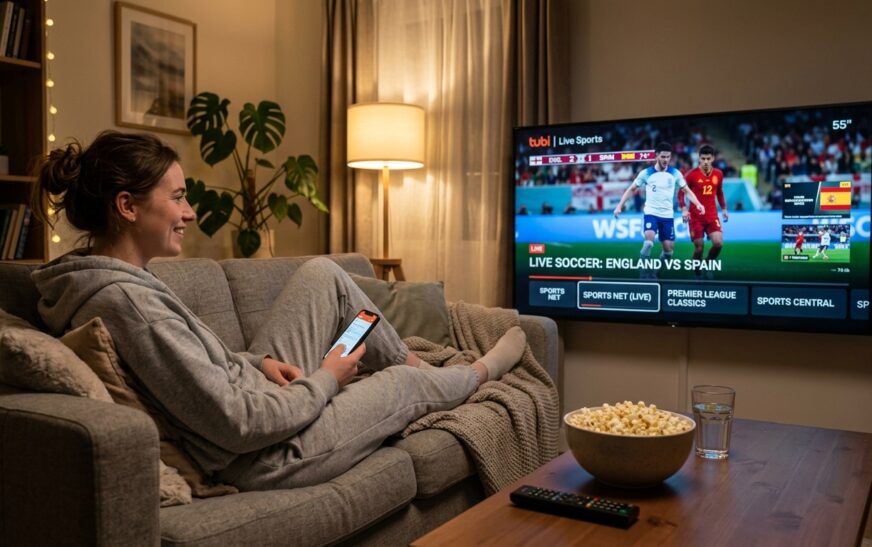
Here’s the short version, because you probably opened this tab mid-scroll while a match was already kicking off: in the United States, every game of the FIFA World Cup 2026 airs in English on FOX and FS1, and in Spanish on Telemundo, Universo, and Peacock. If you’ve cut the cord, FOX One, Fubo, and YouTube TV all carry the channels you need. That’s the whole answer. Stick around and I’ll show you the cheapest way to pull it off, including the free routes most “how to watch” guides bury at the bottom. If saving money is your main goal, our companion guide on how to watch FIFA World Cup 2026 free goes deeper on the no-cost routes.
The 2026 tournament is a beast. It runs from June 11 to July 19, with 48 teams playing 104 matches across 16 host cities in the US, Canada, and Mexico. That’s the first three-nation World Cup ever, and it means matches are scattered across four time zones. Knowing where a game lives is half the battle. The other half is not overpaying for it.
Where to Watch FIFA World Cup 2026 in the US
FOX is the main English-language broadcast partner. The bulk of the marquee matches — somewhere around 69 of the 104 — land on the main FOX network, with the rest on FS1. If a game isn’t on FOX, check FS1 first. That single habit will save you a lot of frantic channel-flipping.
For Spanish-language coverage, Telemundo carries the lion’s share, Universo picks up the overflow, and every single match streams on Peacock. So if your household watches in Spanish, Peacock alone covers all 104 games — no juggling required.
A quick reality check before you commit money: you don’t need all of these. Pick one English route and, if you need it, one Spanish route. Paying for three overlapping services is the most common way people waste cash during a tournament.
English vs Spanish: Who Carries What
| Coverage | English | Spanish |
| Main broadcaster | FOX | Telemundo |
| Secondary channel | FS1 | Universo |
| Full streaming home | FOX One / FOX Sports app | Peacock |
| Matches covered | All 104 (FOX + FS1) | All 104 (Telemundo + Universo + Peacock) |
How to Watch Without Cable (Step by Step)
Most people reading this don’t have a traditional cable box anymore, and that’s fine. Here’s the clean way to get every match without one.
- Decide your language. English means you need FOX + FS1. Spanish means Peacock covers you start to finish on its own.
- Pick a carrier that includes those channels. For English, that’s a live-TV streaming service like Fubo, YouTube TV, Hulu + Live TV, Sling, or DirecTV. For Spanish-only, a Peacock subscription is the simplest path.
- Start a free trial timed to the matches you care about. Fubo, YouTube TV, and DirecTV all offer trials. If you only want the knockout rounds, you can sometimes ride a trial through several big games.
- Install the app on your TV. Fubo, FOX One, and the FOX Sports app all run on Roku, Fire TV, Apple TV, smart TVs, and game consoles.
- Set a DVR or reminder. With matches across multiple time zones, a cloud DVR (Fubo has one) saves the games you sleep through.
If your stream keeps buffering once you’re set up, the problem usually isn’t the app — it’s your network. A slow resolver can stall the handshake before video even loads. Our walkthrough on how to fix slow DNS lookup clears up the most common cause in a couple of minutes.
Streaming Services Compared
These prices move around, and trial lengths change without notice, so treat the numbers as a starting point and confirm at checkout. The structure, though, holds up.
| Service | What it carries | Free trial | Best for |
| FOX One | FOX, FS1, FOX Deportes | Short trial (a few days) | English fans who want only FOX channels |
| Fubo | FOX, FS1, plus Spanish channels | Yes | Cord-cutters who want Multiview + DVR |
| YouTube TV | FOX, FS1, Telemundo, Universo | ~10 days | Households wanting both languages |
| Peacock | All 104 in Spanish | No (paid) | Spanish-language viewers, cheapest full coverage |
| DirecTV | FOX, FS1, Telemundo | ~5 days | People who also want big ESPN coverage |
One honest note on YouTube TV: live sports streams there tend to run a few seconds behind real time. If your group chat is blowing up about a goal before you see it, that lag is why. For a World Cup, that delay is a genuine annoyance.
Watching on Your Phone, Tablet, or Smart TV
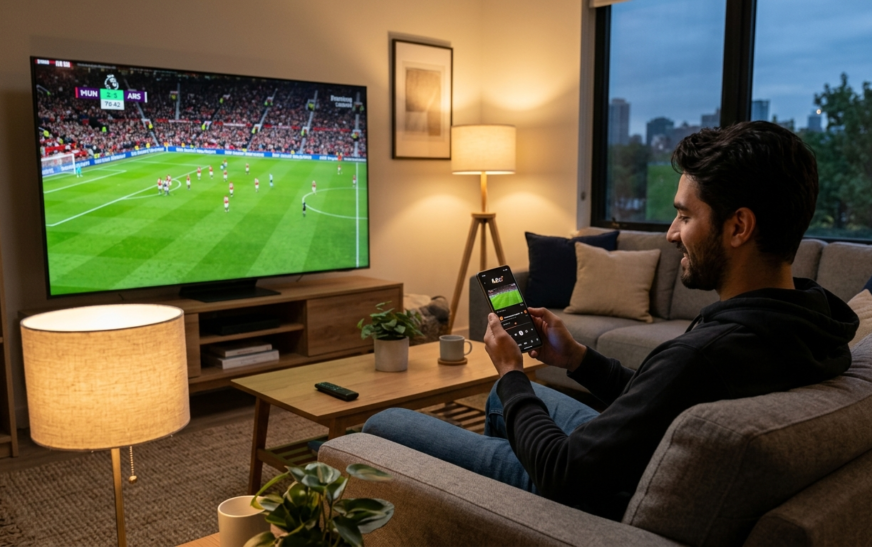
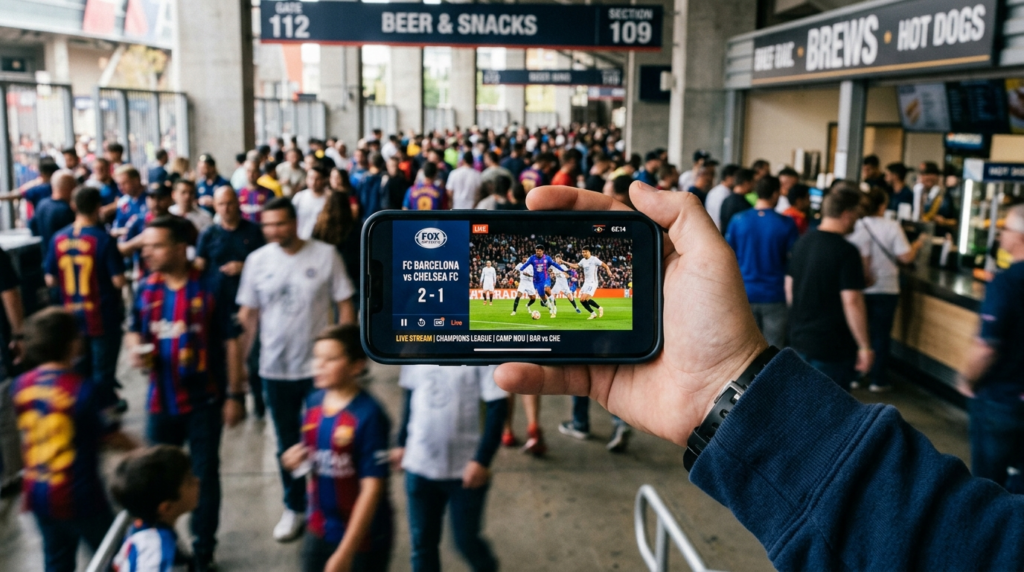
The FOX Sports app is your friend here. Sign in with your streaming provider and you can watch FOX and FS1 matches on a phone on the train, a tablet in the kitchen, or a smart TV in the living room. Fubo’s apps cover the same range of devices and add picture-in-picture style Multiview, which is genuinely useful on the final group-stage matchday when two games kick off at once and both matter to the standings.
If you’re deciding what device to even watch on, and you’re torn between a cheap laptop and something simpler, our Chromebook vs laptop breakdown covers which one actually handles streaming better for the money.
How to watch FIFA World Cup 2026 While Traveling
This trips people up every tournament. Streaming rights are tied to your country. Leave the US mid-tournament and your FOX or Peacock app may simply refuse to play, because the service sees you’re connecting from somewhere it doesn’t have rights for. A VPN sets your connection to appear as if you’re back home, which lets your existing, paid-for app work the way it does on your couch.
Two cautions. First, this only restores access to a service you already pay for — it’s not a hack for free content. Second, using a VPN can bump against a provider’s terms of service, so read the fine print. For most travelers, it’s the difference between catching the quarterfinal and staring at an error screen in a hotel room.
Common Mistakes That Cost You the Match
- Paying for three services that overlap. FOX One and Fubo and YouTube TV all give you FOX. Pick one.
- Forgetting to cancel a trial. Set a phone reminder the day you sign up. Trials auto-convert to paid the second they end.
- Assuming a game is on the main FOX channel. Roughly a third of matches are on FS1. Check both.
- Watching in the wrong language stream by accident. Peacock is Spanish-only for the World Cup. If you wanted English commentary, you’re on the wrong app.
- Ignoring the time zones. A “noon” kickoff might be 9 a.m. for you. Check the local listing, not the headline.
Expert Tips for a Smoother Tournament
A few things I’d tell a friend before the group stage starts.
Stack your free trials deliberately. Use one service’s trial for the opening matches, then switch to another for the knockouts. Done right, you can watch a surprising number of games before you pay a cent — just track the cancellation dates.
Turn on match notifications in whichever app you settle on, but turn off score notifications everywhere else. Nothing ruins a recorded match like a lock-screen banner spoiling the result.
If two people in your house want different languages, YouTube TV carrying both FOX and Telemundo is cleaner than running two separate subscriptions.
And hard-wire your streaming box with an Ethernet cable if you can. Wi-Fi is fine until the second half of a tense knockout game, which is exactly when it isn’t.
FAQs
What channel is the FIFA World Cup 2026 on in the US? Matches air on FOX and FS1 in English, and on Telemundo and Universo in Spanish. Every match also streams — FOX and FS1 games through the FOX Sports app or FOX One, and all 104 matches in Spanish on Peacock.
Can I watch the World Cup 2026 without cable? Yes. Live-TV streaming services like Fubo, YouTube TV, Hulu + Live TV, and DirecTV all carry FOX and FS1. For Spanish coverage, Peacock streams every match on its own without any cable subscription.
How can I watch every single match? In English, FOX plus FS1 together carry all 104 matches, so any service with both channels covers everything. In Spanish, Peacock alone streams all 104.
Is the World Cup on Peacock? Yes, but only the Spanish-language broadcast. Peacock streams all 104 matches with Telemundo and Universo commentary. It does not carry the English FOX feed.
Which streaming service is cheapest for the World Cup? For full coverage, a Peacock subscription is usually the lowest-cost way to get all 104 matches, though it’s Spanish-language only. For English, the cheapest route is stacking free trials across Fubo, YouTube TV, and FOX One.
Can I watch on my phone? Yes. The FOX Sports app, FOX One, Fubo, and Peacock all have iOS and Android apps. Sign in with your provider and you can stream matches anywhere with a connection.
Why is my stream behind the live action? Some live-TV streamers, YouTube TV especially, run a short delay behind the true broadcast. If friends react to goals before you see them, that lag is the cause. A cloud-DVR recording can actually be more reliable for spoiler-free catch-up.
Do I need a VPN to watch the World Cup? Not at home. You only need one if you travel outside the US and want your existing US streaming app to keep working, since rights are region-locked. It restores access you already pay for — it isn’t a free-streaming trick.
Final Verdict
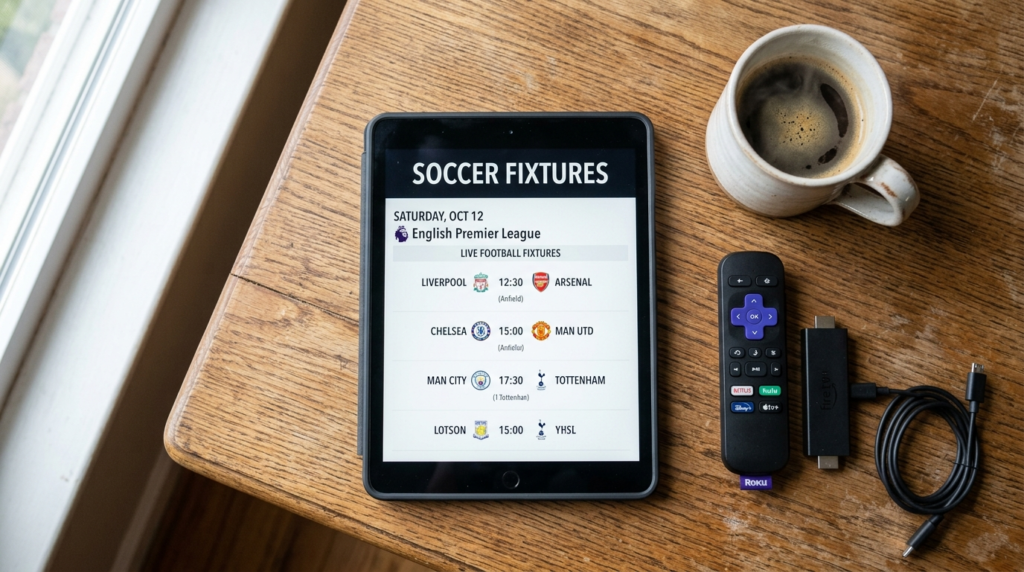
Watching the FIFA World Cup 2026 comes down to two decisions: language and device. Pick English (FOX + FS1) or Spanish (Peacock for all 104), then choose one app that delivers it to your screen. Resist the urge to subscribe to everything — the overlap is real, and one well-chosen service plus a couple of timed free trials will get you through 39 days of football without wrecking your budget. Set your cancellation reminders, hard-wire your streaming box, and mute those score notifications. Then enjoy the biggest World Cup ever held.

Continue Reading on CripsyWire
For more practical tutorials and hidden features, see our full how-to guides section. AI workflow guides feed into the broader AI tools and agents coverage, phone tricks live in smartphones, and wearable setup walkthroughs in wearables. When you are deciding what to buy, the reviews and comparisons section helps. All part of CripsyWire Tech, and the homepage shows what is newest.