Search “how to delete instagram account” and you will find a thousand guides that hand you six taps and call it a day. Almost none of them warn you about the part that actually matters: once those 30 days pass, your photos, DMs, and entire history are gone for good and there is no undo button.
So this guide does two things differently. It gives you the exact, current 2026 steps (Meta moved everything into Accounts Center, and most old tutorials are now wrong). And it walks you through the one step,backing up your data,that you will deeply regret skipping.
Let’s get into it.
Delete vs Deactivate ,Decide This First
Before you touch a single setting, be clear on which one you actually want. People mix these up constantly, then panic.
- Deactivate is a pause. Your profile, photos, comments, and likes get hidden. Log back in any time and everything returns exactly as it was. You can only do this once every 7 days.
- Delete is permanent. After a grace period, your account and all its content are erased and cannot be recovered.
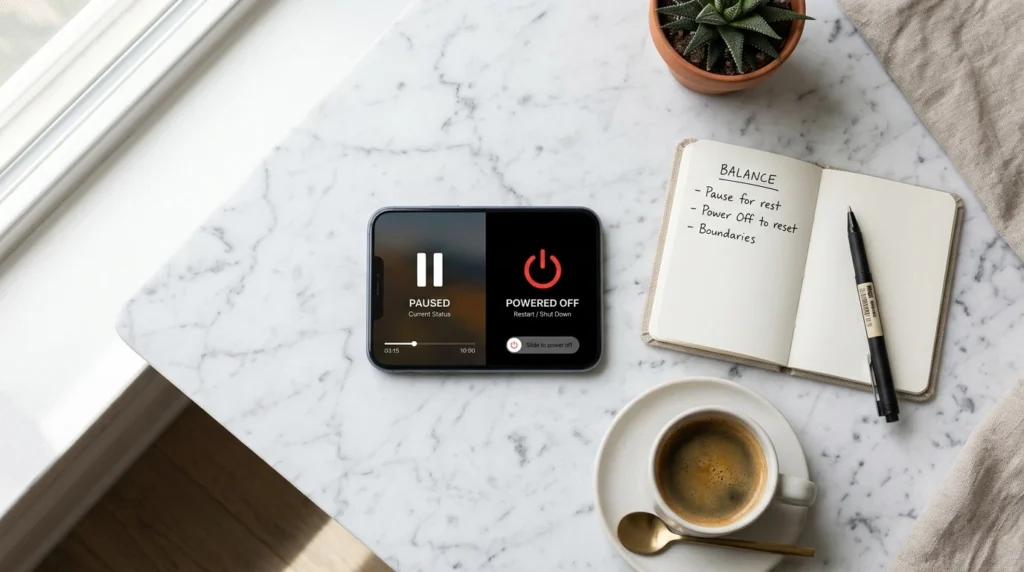
If there is even a small chance you will come back, deactivate. Deletion is for when you are genuinely done. The rest of this guide focuses on permanent deletion, with the deactivation steps included near the end.
Before You Delete: Download Your Data (The Step Everyone Skips)
This is the part the rushed guides leave out, and it is the one you cannot fix later.
Your Instagram account is years of photos, videos, captions, and conversations. Once it is deleted, none of it comes back. So before anything else, request a copy.
On the app or web, go to Settings → Accounts Center → Your information and permissions → Download your information, then request a copy of everything. Instagram emails you a download link, usually within a few hours but sometimes up to a couple of days.
Wait for that file to actually arrive and open it before you start the deletion. Treat your social data the way you would treat anything that lives on a company’s servers — assume it can vanish. That lesson got expensive for families when a connected product was shut down and took its users’ data and memories with it. Don’t let your decade of Instagram be the next example.
How to Delete Instagram Account in 2026 (Step by Step)
The process is now identical on the app and the web, because both route through Meta’s Accounts Center. Old direct links like instagram.com/accounts/remove now just redirect here, which is why so many older tutorials feel broken.
On the App (iPhone & Android)
- Open Instagram and tap your profile picture (bottom right).
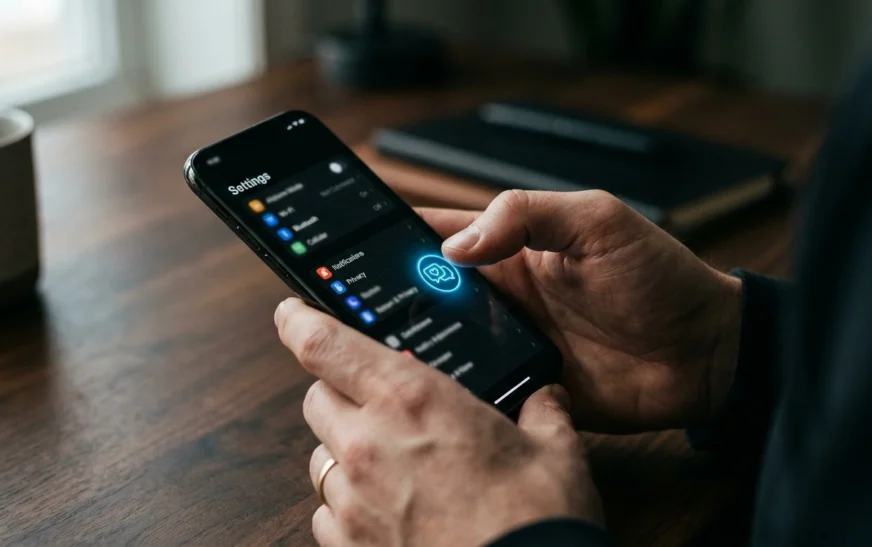
- Tap the menu (three lines) in the top corner, then Settings and activity.
- Near the top, open Accounts Center.
- Go to Personal details → Account ownership and control → Deactivation or deletion.
- Select the Instagram account you want to remove.
- Choose Delete account, then tap Continue.
- Pick a reason from the dropdown, re-enter your password, and confirm with Delete [your username].
On the Web (Desktop)
- Go to instagram.com and log in.
- Click More (bottom left), then Settings.
- Open Accounts Center → Personal details → Account ownership and control → Deactivation or deletion.
- Select your account, choose Delete account, and follow the same confirmation steps.
That’s it. The screens look nearly identical on both, so use whichever device you’re most comfortable on. For reference, Instagram’s official help pages confirm this Accounts Center path is the current route — you can verify it on Instagram’s help center if a step ever changes.
What the 30-Day Grace Period Actually Means
Hitting delete does not delete anything immediately. Instagram puts your account into a mandatory 30-day grace period.
During this window, your profile is hidden from everyone, so to the outside world you have already disappeared. But your data still sits on Instagram’s servers, and logging back in even once cancels the deletion entirely.
This is deliberate,it stops people from nuking their account in a bad moment. As of 2026 you cannot skip or shorten it. If you genuinely want out, the move is simple: delete, then do not log in. Don’t install the app on a new phone, don’t tap a notification. After 30 untouched days, it’s permanent.
What Happens to Your Photos, DMs, and Username
A few things people are always surprised by:
- Your content — photos, videos, stories, reels, comments, likes, follower and following lists — is permanently removed after the grace period.
- Direct messages you sent may still be visible on the other person’s side. You can’t pull those back.
- Anything others saved or screenshotted still exists. Deletion only removes your copy.
- Your linked Facebook or Threads are not affected. They stay live unless you delete them separately inside Accounts Center.
- Your username may not be available to reuse later, so don’t count on grabbing it again.
If your goal is privacy rather than a clean break, deletion is only one piece. Plenty of your information lives on other platforms and data brokers too — the same instinct that has people scrutinizing what Meta’s smart glasses quietly record applies to every app holding your data.
How to Deactivate Instead (If You’re Not Sure)
Not ready for permanent? Deactivate, and decide later.
Follow the exact same path — Settings → Accounts Center → Personal details → Account ownership and control → Deactivation or deletion — but at step 6 choose Deactivate account instead of Delete. Enter your password, give a reason, and confirm.
Your profile vanishes immediately and stays hidden until you log back in, which instantly restores it. Remember the 7-day limit: you can only deactivate once per week, so it’s not meant for daily on-off toggling.
What If You Forgot Your Password?
The deletion flow requires your password — there is no way around it. If you’ve lost it, reset first.

On the login screen, tap Forgot password?, enter your email, phone, or username, and follow the reset link. Once you’re back in, run the deletion steps above. If you’ve also lost access to the email and phone on the account, Meta’s account recovery process is your only route, and it can take time.
So… Should You Actually Delete It?
Here’s the honest part most guides won’t say. The pull to stay is not a personal weakness — it’s engineered. Instagram is built around the same daily-engagement loops that every major platform now uses to make opening the app feel automatic.
Deleting works for people who want a clean, final break. Deactivating works better if you mainly want to test life without the scroll. And if the real issue is that the app eats your attention rather than that you hate it, you may not need to delete at all — your phone already has tools for that. Some of the iPhone’s hidden settings (Screen Time limits, focus modes) can do most of the job without the nuclear option.
Whatever you choose, the reclaimed hours are the real prize. The most satisfied quitters I’ve talked to didn’t just remove the app — they redirected that time, whether into AI productivity tools that give them something back, a real-world hobby, or simply more sleep. The platform was never the point. Your time is.
FAQ
Can I delete my Instagram account without waiting 30 days? No. As of 2026 the 30-day grace period is mandatory and cannot be shortened. The account is only erased after 30 days with no logins.
Does deleting Instagram also delete my Facebook or Threads? No. Linked Facebook and Threads accounts stay active. You have to delete each one separately inside Accounts Center.
Will my DMs disappear when I delete my account? Messages you sent may still be visible to the people who received them. Deletion removes your account and your copy, not conversations stored on other users’ devices.
Can I reuse my old username after deleting? Possibly not. Instagram may keep the username reserved, so don’t assume you’ll be able to claim it again.
What’s the difference between deactivate and delete? Deactivate is temporary and reversible by logging back in. Delete is permanent after the 30-day grace period. Use deactivate if you might return.
How do I download my Instagram data before deleting? Go to Settings → Accounts Center → Your information and permissions → Download your information, then request a copy. Wait for the email link before deleting.
I deleted by mistake — can I recover it? Yes, if it’s within 30 days. Just log back in and the deletion is automatically cancelled. After 30 days, recovery is not possible.
The Bottom Line
Deleting your Instagram account in 2026 takes about two minutes through Accounts Center — but the two minutes that actually matter come first, downloading your data, and last, leaving it alone for 30 days.
Decide honestly whether you want a pause or a permanent exit, back up what you can’t replace, and then commit. The app is designed to make you reconsider. That doesn’t mean you should.

Continue Reading on CripsyWire
For more practical tutorials and hidden features, see our full how-to guides section. AI workflow guides feed into the broader AI tools and agents coverage, phone tricks live in smartphones, and wearable setup walkthroughs in wearables. When you are deciding what to buy, the reviews and comparisons section helps. All part of CripsyWire Tech, and the homepage shows what is newest.