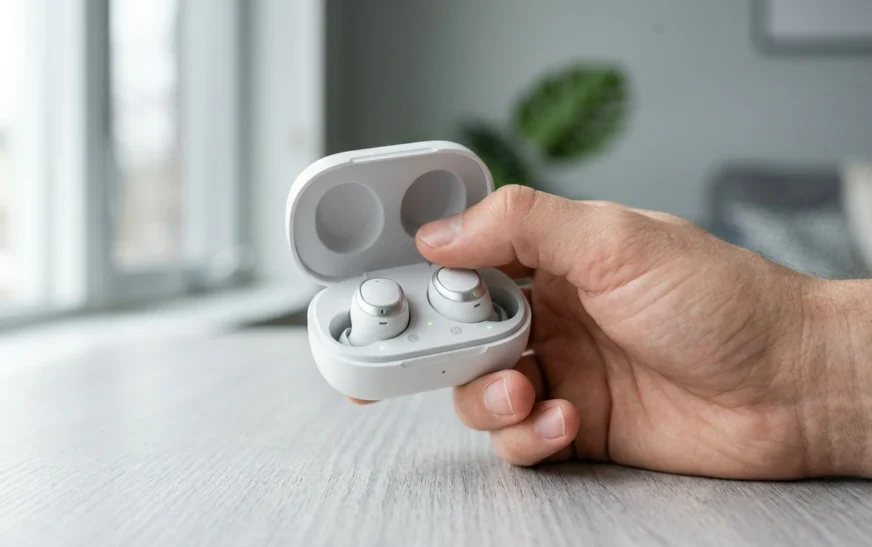
I have reset more pairs of AirPods than I can count my own Pro 2s when one side suddenly went quiet, a friend’s AirPods 4 that refused to pair after an iOS update, a used set I bought that wouldn’t leave the previous owner’s account. So when people ask me how to reset AirPods, my first answer is always the same: it depends on your model, and there is one step almost everyone skips that causes the reset to “fail.”
This guide covers every current model AirPods 1 through 4, AirPods Pro 1, 2, and 3, and AirPods Max with the exact 2026 steps. It also covers when a reset actually helps, when it won’t, and the Activation Lock trap that catches second-hand buyers. Everything here is cross-checked against Apple’s official instructions and what actually works in practice at CripsyWire, where testing this kind of everyday gear is the whole job.
When a Reset Actually Fixes Things (And When It Won’t)
A factory reset wipes your AirPods’ stored Bluetooth connections and settings, letting them pair like new. In my experience, that genuinely fixes the most common annoyances:
- One AirPod is silent or much quieter than the other
- Audio sounds muffled, laggy, or out of sync
- They won’t connect, or keep dropping the connection
- You’re handing them to someone else or pairing to a new device
What a reset will not fix: dead batteries, a cracked case, water damage, or a charging port full of pocket lint. If the hardware is the problem, resetting just gives you the same broken AirPods with their settings erased. So before you reset, rule out the obvious clean the case contacts, charge it past 50%, and try a soft restart first (covered below).
Before You Reset: Unpair First (the step everyone skips)
This is the part that makes people think their reset “didn’t work.” You should remove the AirPods from your account before the physical reset.
On your iPhone or iPad, go to Settings → Bluetooth, tap the (i) info button next to your AirPods, then tap Forget This Device and confirm. This unlinks them from your iCloud account so they don’t silently reconnect mid-reset.
If you live in the Apple ecosystem, this is also a good moment to appreciate how tightly these devices hook into your phone the same deep integration that makes iPhone’s hidden settings so powerful is exactly why a half-finished unpair leaves your AirPods in limbo. Forget the device first, every time.
How to Reset AirPods 1, 2, 3, and AirPods Pro (1 & 2)
These older-but-still-everywhere models use the physical setup button on the case.
- Put both AirPods in the charging case and close the lid. Wait 30 seconds.
- On your paired iPhone or iPad, go to Settings → Bluetooth → (i) → Forget This Device (if they’re still listed).
- Open the lid of the case.
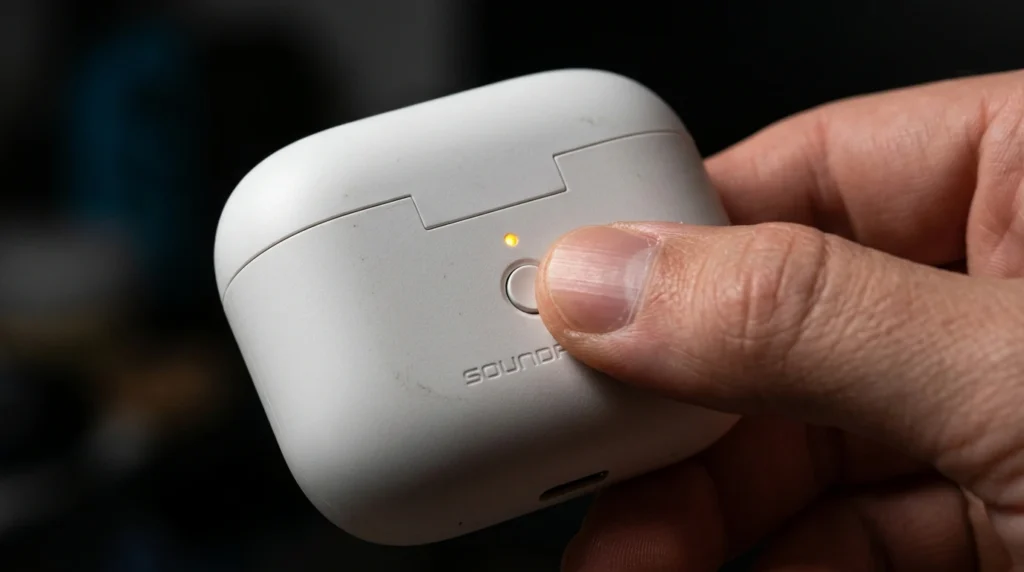
- Press and hold the setup button on the back of the case for about 15 seconds.
- Release when the status light flashes amber, then white that’s the reset.
The setup button is the small, round, almost flush button on the back of the case. It’s easy to miss the first time.
How to Reset AirPods 4 and AirPods Pro 3 (the no-button method)
Here’s where most outdated guides get it wrong. The newer AirPods 4 (both the standard and ANC versions) and AirPods Pro 3 cases don’t have a setup button Apple replaced it with a tap gesture. If you’re hunting for a button that isn’t there, this is why.
- Put both AirPods in the case, close the lid, and wait 30 seconds.
- Forget This Device in Settings → Bluetooth, same as above.
- Open the lid.
- Double-tap the front of the case while the status light is on.
- Double-tap again when the light flashes white.
- Double-tap a third time when the light starts flashing faster.
- The light flashes amber, then white done.
It feels fiddly the first time, but the rhythm is just: tap, tap-when-white, tap-when-faster.
How to Reset AirPods Max
AirPods Max are headphones, so the process is different and battery matters here.
- Charge them to at least 50% first (a reset on low battery can stall).
- In Bluetooth settings, Forget This Device.
- Press and hold the noise control (listening mode) button and the Digital Crown at the same time for about 15 seconds.
- Release when the LED next to the charging port flashes amber, then white.
One important catch: holding those two buttons for only ~10 seconds restarts the Max instead of resetting them. Hold the full 15 seconds for a true factory reset.
Quick Reference: Reset Method by Model
| AirPods model | Reset method |
|---|---|
| AirPods 1, 2, 3 | Hold setup button on case ~15 sec |
| AirPods Pro 1, Pro 2 | Hold setup button on case ~15 sec |
| AirPods 4 (both versions) | Double-tap front of case three times |
| AirPods Pro 3 | Double-tap front of case three times |
| AirPods Max | Hold noise button + Digital Crown ~15 sec |
Restart vs Factory Reset — Try the Soft Fix First
Before nuking everything, try a restart. It clears temporary glitches without erasing your settings, and it fixes a surprising amount.
- AirPods / AirPods Pro (any model): put them in the case and close the lid for at least 10–30 seconds, then reopen.
- AirPods Max: hold the Digital Crown + noise control button for about 10 seconds until the light flashes amber, then release immediately (don’t go past ~10 seconds or you’ll start a full reset).
If the restart fixes your one-sided audio or dropout, you just saved yourself the re-pairing hassle. If not, then move to the factory reset above.
Buying or Selling Used? Mind the Activation Lock
This is the trust issue that burns second-hand buyers, so I’ll be blunt about it.
Modern AirPods are tied to the original owner’s Apple ID through Find My. If you buy a used pair and the seller hasn’t removed them, your reset can appear to work but the AirPods stay Activation Locked — meaning they can’t fully pair to you. There is no manual workaround.
If you’re selling or gifting, remove them from your account first: go to iCloud.com → Find My → Devices, select the AirPods, and remove them. If you’re buying, ask the seller to do this in front of you. Treating your connected gear with this kind of care is the same habit that pays off across all the wearables we test these devices live on your account, not just in your ears.
Still Not Connecting After a Reset?
If you’ve reset correctly and they still won’t behave, work through these in order:
- Make sure the case has charge and both buds are seated and charging.
- Restart your iPhone, then re-pair from Settings → Bluetooth.
- Clean the buds and case contacts with a dry, soft brush gunk genuinely breaks charging.
- Confirm there’s no pending firmware issue (keep the case near your phone on Wi-Fi to let firmware update on its own).
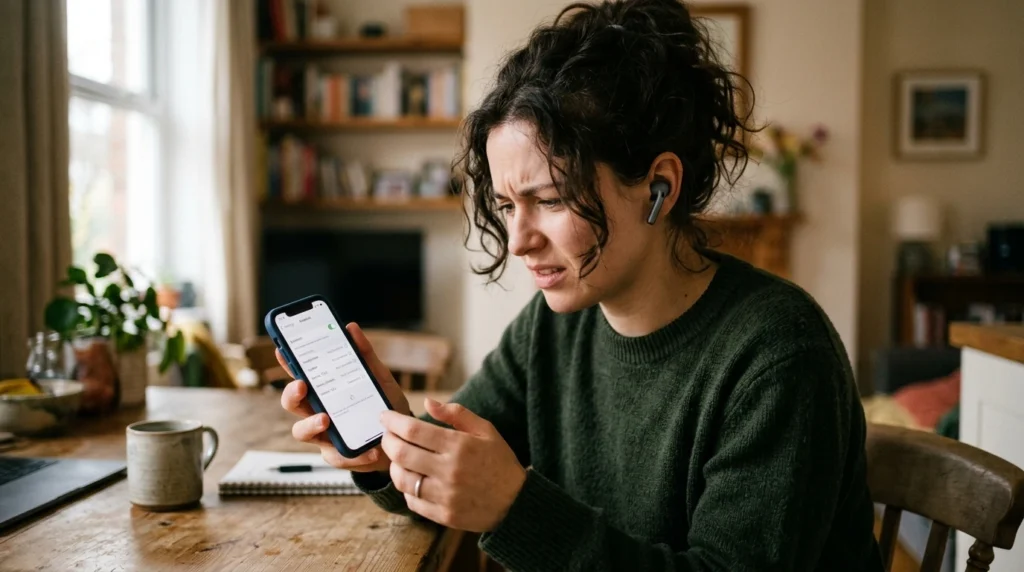
When buds repeatedly fail after a clean reset, it’s usually battery degradation, not software and that’s the point where audio gear, like Meta’s smart glasses and every other battery-powered wearable, simply ages out. A reset can’t bring back chemistry.
For anything beyond this, Apple’s official walkthrough is the authority worth bookmarking you can confirm the latest model-specific steps directly on Apple Support.
FAQ
How do I reset AirPods without an iPhone? You can still do the physical reset (setup button or triple double-tap, depending on model). You just can’t tap “Forget This Device” without an Apple device — so remove them from iCloud.com → Find My on any browser instead.
Why don’t my AirPods 4 have a reset button? Apple removed the setup button on AirPods 4 and AirPods Pro 3. You reset them by double-tapping the front of the case three times instead.
Will resetting my AirPods delete them from Find My? No. A reset alone doesn’t remove Activation Lock. You must remove them from your Apple ID via iCloud.com → Find My → Devices.
How long do I hold the button to reset? About 15 seconds for the button models and AirPods Max, until the light flashes amber, then white. For AirPods Max, holding only ~10 seconds restarts rather than resets.
Does resetting fix one AirPod being quieter than the other? Often, yes if it’s a software/sync issue. Clean the bud’s mesh first, then reset. If one side is still quiet, it may be hardware.
Will a reset fix my AirPods not holding a charge? No. Charging and battery problems are hardware, not settings. A reset won’t help there.
Do I need to charge AirPods before resetting? For AirPods and AirPods Pro it helps; for AirPods Max it’s required get them to at least 50% first.
The Bottom Line
Resetting AirPods is genuinely a two-minute fix once you know two things: your exact model, and that you should Forget This Device before the physical reset. Button models hold the setup button; AirPods 4 and Pro 3 use the triple double-tap; AirPods Max use the crown-plus-button combo.
Try a soft restart first, reset only if that fails, and remember that no reset can fix dead batteries or an Activation-Locked pair. Match the method to your model and you’ll almost always be back in your music within minutes.

Continue Reading on CripsyWire
For more practical tutorials and hidden features, see our full how-to guides section. AI workflow guides feed into the broader AI tools and agents coverage, phone tricks live in smartphones, and wearable setup walkthroughs in wearables. When you are deciding what to buy, the reviews and comparisons section helps. All part of CripsyWire Tech, and the homepage shows what is newest.