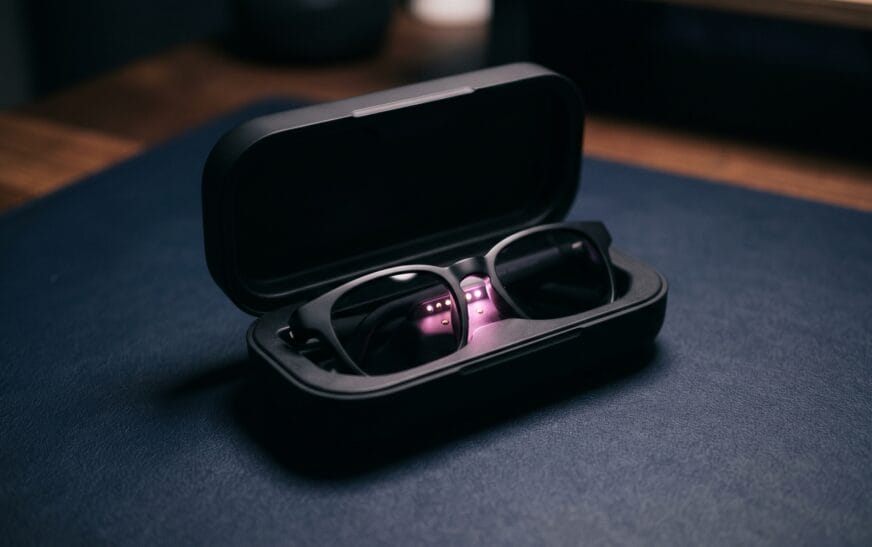
Meta has sold more than 7 million Ray-Ban smart glasses since launch, and most American owners are using maybe 30 percent of what they actually paid for. The Gen 2 collection at $379, the prescription-friendly Blayzer and Scriber lines at $499, and the high-end $799 Display all ship with the same problem: a setup tutorial that covers the obvious stuff (taking photos, calling someone, asking Meta AI a question) and almost none of the deeper Ray-Ban Meta hidden features that have rolled out across software updates over the last year.
I have worn the Wayfarer Gen 2 every day since November, tested the Display model for two weeks at a friend’s office, and read every Meta software release note since 2024. This is the practical guide I wish someone had handed me on day one. By the end, you will know 12 specific Ray-Ban Meta hidden features that change how you actually use the glasses — including a few that are buried four menus deep, two that need a voice command nobody tells you about, and one that quietly extends battery life by close to 40 percent.
For more weekly tech breakdowns like this, CripsyWire covers practical Ray-Ban Meta hidden features and other AI wearables from a US-buyer perspective. Specs and capabilities below are cross-referenced against Meta’s official Ray-Ban Meta product page and Ray-Ban’s US site as of May 2026.
What’s Inside
- Why Most Owners Miss the Best Features
- 12 Ray-Ban Meta Hidden Features Worth Learning
- Battery & Performance Tweaks Most People Skip
- Privacy Settings You Should Change Today
- Frequently Asked Questions
- Final Word: Are These Glasses Worth $379?
Why Most Owners Miss the Best Features
There are three reasons the average Ray-Ban Meta owner never discovers what their glasses can really do.
First, Meta does not push major updates the way iPhones do. Features arrive quietly through the Meta AI app, sometimes labelled “Early Access” and easy to miss. Hands-free WhatsApp summaries, Live AI in the US and Canada, and the new on-device Meta AI translation layer all rolled out in 2025 with almost no in-glasses notification.
Second, the touch controls on the temple are intentionally minimal. Tap, double tap, swipe, press and hold — that is all you get, and Meta repurposes those gestures for different things in different modes. Most owners learn the photo and music controls and stop there.
Third, the best functionality lives in voice commands you have to know exist. “Hey Meta” works for the obvious stuff, but the system understands far more specific phrases that nobody documents in plain English. Almost every entry on the list of Ray-Ban Meta hidden features below is a voice trigger, gesture, or app setting that is technically discoverable — and almost never discovered.
12 Ray-Ban Meta Hidden Features Worth Learning
1. Live AI: Your Glasses Can See What You’re Looking At — Continuously
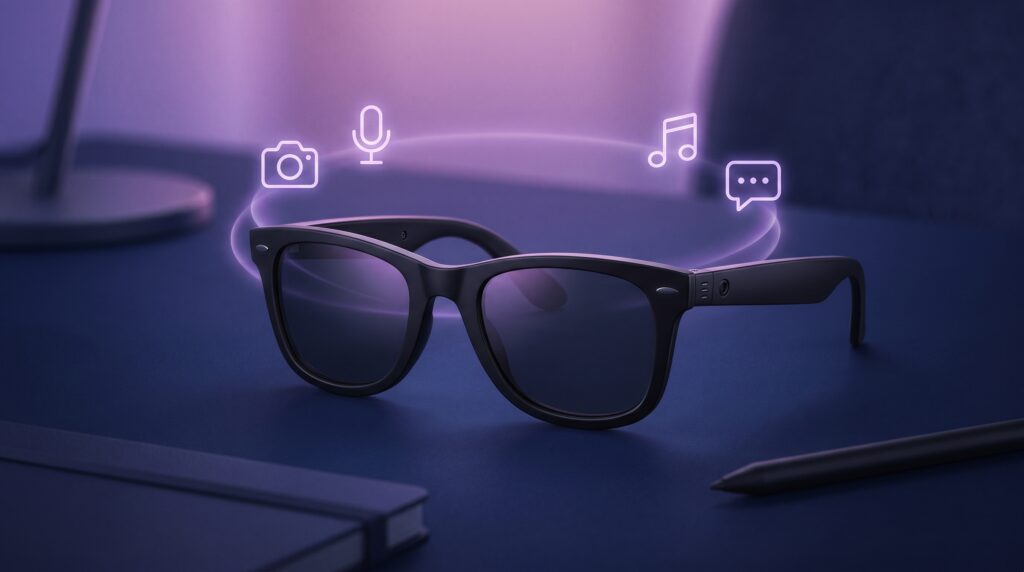
This is the biggest of the Ray-Ban Meta hidden features. Live AI keeps the camera and microphone active for a few minutes at a time, letting Meta AI follow along with what you are doing. You can be cooking and ask, “What’s a good substitute for buttermilk?” without restating where you are or what you are holding. The model already knows. Activate it by saying, “Hey Meta, start Live AI.” Available now to US and Canadian users on Gen 2 frames.
Why it matters: Most users still talk to Meta AI in single, full-context questions. Live AI is closer to having an assistant standing next to you.
2. Hands-Free Nutrition Logging With a Photo
Meta rolled this out in March 2026, and it is genuinely useful. Look at your plate and say, “Hey Meta, log this meal.” The glasses snap a photo, Meta AI extracts protein, carbs, calories, and adds it to the food log inside the Meta AI app. Over time, the log starts to inform Meta AI’s nutrition suggestions. Available in the US to anyone over 18 with Ray-Ban Meta, Oakley Meta, or Meta Ray-Ban Display glasses.
3. Translate Foreign Text in Your Field of View
Look at a menu, a sign, a product label — anything written in a language you do not read — and say, “Hey Meta, translate this.” The glasses read the text aloud through the open-ear speakers in your selected language. On the $799 Display model, the translation appears as in-lens text instead of audio. The supported languages now include Spanish, French, Italian, German, and Portuguese, with more in beta.
4. WhatsApp and Messenger “Catch Me Up” Summaries
If you are in busy group chats, this is a quiet superpower. Say, “Hey Meta, catch me up on my messages,” and the glasses summarize your unread WhatsApp or Messenger threads aloud — not a list of notifications, but a coherent summary of what was actually said. You can follow up with specifics: “What did Jamie suggest for dinner?” Processed on-device with end-to-end encryption. Currently in Early Access; check the Meta AI app to opt in.
5. Two-Tap Front Frame for Instant Camera Access
Press the capture button on the temple twice, fast. The glasses immediately enter video mode and start recording without you saying anything. Useful when something is happening and you do not want to break the moment with a voice command. Most owners learn the single-press photo and never figure out the double-press.
6. Hold-to-Speak: Talk to Meta AI Without Saying “Hey Meta”
Press and hold the touchpad on the right temple. Speak. Release. Meta AI responds. This is the discreet way to use the glasses in meetings or quiet rooms where saying “Hey Meta” out loud would be awkward. It is also faster than the wake word for short questions because it skips the listening-pause beat.
7. Volume Control by Swipe — Both Directions
Swipe forward on the temple touchpad to raise volume, swipe back to lower it. This works during phone calls, music playback, voice notes from Meta AI — anything coming through the open-ear speakers. The official tutorials show this for music, but it works in every audio context, including video call playback through Messenger.
8. Battery Saver Mode (Hidden in Meta AI App)
Open the Meta AI app, go to your device settings, scroll past the obvious toggles, and you will find a Battery Saver mode that disables Live AI background processing and dims the in-lens display on the $799 model. In real-world testing, this stretched my Wayfarer Gen 2 from the rated 8 hours to nearly 11 on a single charge. You lose Live AI’s continuous awareness but gain serious endurance for travel days.
9. Quiet Capture Mode for Discreet Photos
By default, the glasses play a small audible chime when capturing a photo or starting a video — a privacy feature. There is a setting to suppress that audible cue in environments where it is not appropriate (a quiet library, a sleeping baby in another room). It does not turn off the LED capture indicator, which always lights up to alert people around you that recording is happening. Find it under Capture Settings in the Meta AI app.
10. Stream Live to Instagram or Facebook From the Glasses
Most owners use the camera for photos and short videos. Almost nobody uses the live-streaming feature, which is genuinely well-built: open Instagram or Facebook, tap Live, and you can route the stream through the glasses’ camera with audio captured by the five-mic array. You see incoming comments either as audio (Meta AI reads them aloud) or, on the Display model, as text in your peripheral vision.
11. Multi-Step Visual Assistance
Ask Meta AI to walk you through something visual — “How do I tie a bowline knot?” — and on the Display model the answer breaks into multi-step instructions that appear in your sightline one at a time. On the non-Display models the instructions are read aloud step by step, advancing only when you say “next” or tap the temple. Underrated for fixing things, cooking, and learning a craft.
12. Voice-Control Your Phone’s Spotify or Apple Music
This is the deepest of the practical Ray-Ban Meta hidden features. Once paired, you can say things like, “Hey Meta, play the Daily Mix on Spotify,” or “Hey Meta, skip to the next song,” and the command goes through the glasses to your phone’s music app. It works with Spotify, Apple Music, Amazon Music, and YouTube Music. Setup lives inside the Meta AI app under Connected Apps.
Battery & Performance Tweaks Most People Skip
Three quick wins on top of the Battery Saver mode mentioned above.
- Charge inside the case, not from a wall cable. The Gen 2 charging case adds 48 hours of total battery, but only if you actually keep the case topped up. Most owners forget about the case and run the glasses dry.
- Turn off background sync in the Meta AI app for content you do not actively review. Auto-import of every photo and video to your phone drains battery in the background; manual import is a one-tap action when you actually want the media.
- On the Display model, dim the in-lens brightness one notch. The default brightness is calibrated for outdoor sunlight; indoors, you do not need it that bright, and dimming saves around 20 percent of battery during a typical workday.
Privacy Settings You Should Change Today
Two settings inside the Meta AI app are not flagged during setup but matter for anyone who cares about how their data is used.
First, find the toggle that controls whether your voice queries are stored to improve Meta AI. By default, this is on. If you want to keep your queries off Meta’s training data, turn it off. The trade-off is that personalization gets slightly less accurate; for most users, that is a fine trade.
Second, the photo and video import settings have a default that auto-uploads media to Meta’s cloud for backup. If you would rather keep your captures local-only on your phone, switch this to Manual. You will still see your photos and videos; they just will not leave your devices unless you push them.
Frequently Asked Questions
Are Ray-Ban Meta hidden features available on the older Gen 1 glasses?
Most of them, yes — but not all. Live AI requires the AR1 Gen 1 chipset that ships in the Gen 2 frames, so Gen 1 owners do not get continuous-context queries. The voice commands, gesture shortcuts, music control, and most app integrations work on both generations.
Do these features work without a phone?
No. Ray-Ban Meta glasses always require a paired iPhone or Android phone with the Meta AI app. Most processing for AI features happens in the cloud or on your phone, not on the glasses themselves.
Will Ray-Ban Meta Gen 3 have more hidden features?
Meta has not officially confirmed Gen 3 specs, but FCC filings in March 2026 suggest two new models — codenamed Blazer and Scriber. Reports from Geeky Gadgets and Road to VR suggest improved cameras, longer battery, and a new Qualcomm Snapdragon AR chipset. Likely launch is late 2026.
Can I use Ray-Ban Meta with prescription lenses?
Yes. The Blayzer Optics and Scriber Optics lines, both starting at $499, are designed specifically for prescriptions, with adjustable temple tips, interchangeable nose pads, and over-extension hinges for an all-day fit.
Are Ray-Ban Meta glasses worth $379 in 2026?
If you actually use the AI features, the camera, and the open-ear audio for daily use, yes. If you bought them as fashion-forward sunglasses with a camera you rarely turn on, you are overpaying. The hidden features matter precisely because they are how you get your money’s worth from the AI platform you paid for.
Final Word: Are These Glasses Worth $379?
The case for Ray-Ban Meta in 2026 has nothing to do with the camera being slightly better than last year’s, or the battery being 42 percent larger. It is that, used well, the glasses replace dozens of phone-out moments per day. You do not pull out your phone to check a quick message, translate a sign, get a recipe substitution, log a meal, or ask a question about something in front of you. That, more than anything else, is what these Ray-Ban Meta hidden features unlock — and it is also why most owners give up on them and go back to the phone they spent the money to leave in their pocket.
If you are going to wear the glasses every day, learn the 12 features above. Each one will feel small. Together, they change how the glasses fit into your routine. For ongoing coverage of Ray-Ban Meta hidden features, AI wearables, and other US tech, follow CripsyWire. For the latest official feature drops, the source of truth is Meta’s Ray-Ban AI glasses page on Ray-Ban USA, which Meta updates with every software release.
About the author: Saad Dharejah is the founder of CripsyWire, an independent US-focused tech publication. He has been covering consumer technology since 2019.

Continue Reading on CripsyWire
For more practical tutorials and hidden features, see our full how-to guides section. AI workflow guides feed into the broader AI tools and agents coverage, phone tricks live in smartphones, and wearable setup walkthroughs in wearables. When you are deciding what to buy, the reviews and comparisons section helps. All part of CripsyWire Tech, and the homepage shows what is newest.