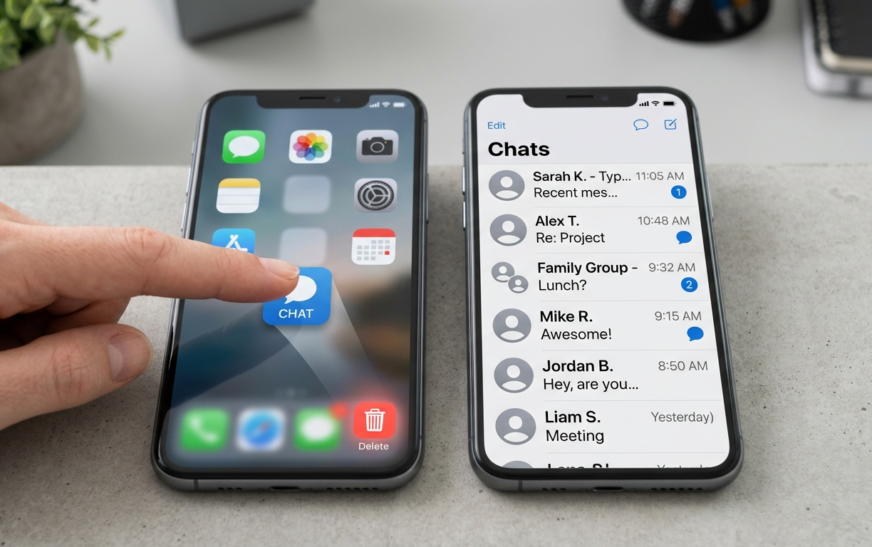
Here’s the thing nobody tells you upfront: there is no “deactivate” button hiding in the Telegram app. You can dig through every settings menu and you won’t find one. Telegram doesn’t do the Instagram-style “take a break and come back later” thing. When you delete, you delete. It’s permanent, it’s instant, and there’s no 30-day grace period to change your mind.
I’ve walked friends through this more times than I can count, usually after they’ve already uninstalled the app and assumed that was enough. It wasn’t. Their account, chats, and contacts were still sitting on Telegram’s servers, fully alive. So before you do anything, let me save you that mistake and a few others.
This guide covers how to delete your Telegram account the right way, from a browser, an iPhone, or an Android phone, what actually gets erased, how to back up your chats first, and the small traps that catch people. No filler. Just the steps that work as of June 2026.
How to Delete a Telegram Account: The Quick Answer
To delete your Telegram account, open the official deletion page at my.telegram.org/auth?to=delete-account in any browser, enter your phone number in international format, type the login code Telegram sends inside the app (not by SMS), then choose Delete account and confirm. It’s permanent and immediate.

That’s the whole process in one breath. The rest of this guide is about doing it safely, because once you hit that final button, your messages, contacts, and groups are gone for good.
Deleting vs. Uninstalling vs. Logging Out (They’re Not the Same)
This trips up almost everyone, so let’s clear it up before you touch anything. Three different actions, three completely different results:
- Uninstalling the app just removes Telegram from your phone. Your account keeps living on Telegram’s servers, your chats stay intact, and people can still message you. This deletes nothing.
- Logging out signs you out on one device. The account stays fully active everywhere else. Useful if you’re selling a phone, useless if you want to disappear.
- Deleting your account wipes the account itself, your messages, contacts, and profile, off Telegram entirely. This is the permanent one, and it’s what this guide is about.
If you only want off one device, logging out is the cleaner move. If your real worry is what other people can see, it’s worth adjusting your privacy settings before nuking the whole thing. But if you’re done with Telegram completely, keep reading.
Do These 4 Things Before You Delete Telegram
Deletion is irreversible. There’s no support ticket that brings it back, no “oops” window. Five minutes of prep now saves you real regret later.
1. Export and back up your Telegram data
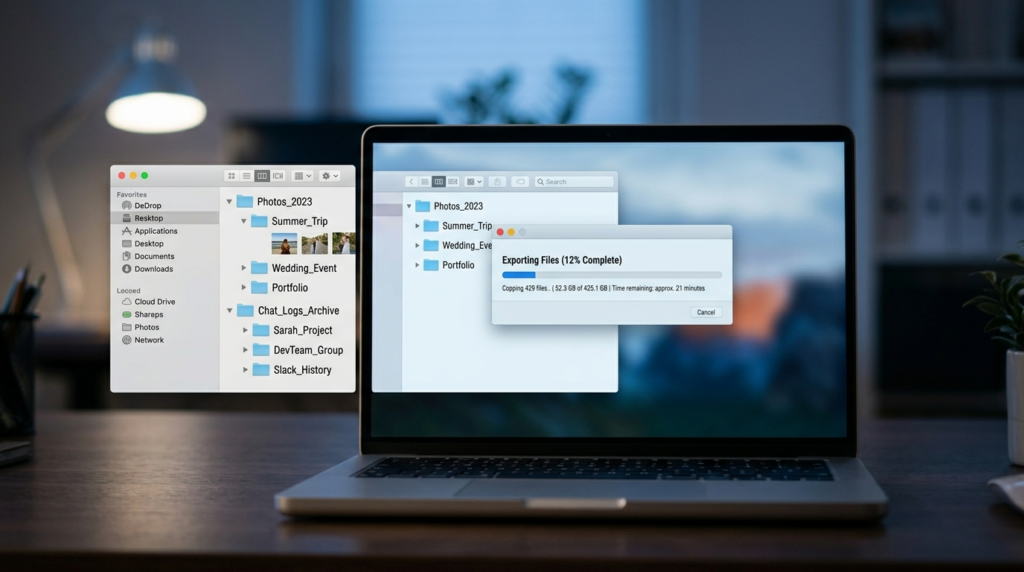
Telegram has a genuinely good built-in export tool, but it only lives on the desktop app (Windows, macOS, or Linux), not on mobile. On Telegram Desktop, open Settings, go to Advanced, then choose Export Telegram Data. Pick what you want, chat history, photos, videos, contacts, and export it as HTML or JSON. If there’s a single conversation or photo you’d hate to lose, do this first.
2. Unlink any third-party logins
If you ever used Telegram to sign into another app or service, switch those logins to email or another method now. Lose the Telegram account and you can lose access to whatever was tied to it. People forget this one constantly.
3. Transfer ownership of groups and channels
Built a group or channel that matters? When you delete, it gets “orphaned”, left without an owner. Admins keep their rights and members can still chat, but nobody has full control. If it’s important, promote a trusted admin to owner before you go.
4. Confirm you can still receive the login code
The deletion process verifies you through a code sent inside the Telegram app. So you need to still be logged in somewhere to read it. If you’ve lost access to your number and your sessions, the process gets messy fast. Sort that out first.
How to Delete Telegram Account Permanently (Browser Method)
This is the fastest and most reliable way, and the only one that removes your account immediately. It works on a desktop or a phone browser. My one tip: use a separate browser tab rather than the in-app browser, so you can hop into Telegram to grab the code without losing your place.
- Open the official deletion page. Go to my.telegram.org/auth?to=delete-account in any browser. This is Telegram’s real page, never use a random third-party link for this.
- Enter your phone number. Type it in international format, starting with your country code (for example, +1 for the US). Click Next.
- Grab the confirmation code from Telegram. Telegram sends the code as a message inside the app, not by SMS. Open Telegram, find the message from the official Telegram account, and copy the code.
- Sign in. Paste the code on the web page and click Sign In to reach the deletion screen.
- Choose Delete account. Telegram may ask why you’re leaving. You can type a reason or skip it, it makes no difference to the outcome.
- Confirm the final warning. Click “Yes, delete my account.” That’s it. Your account is gone, immediately and permanently.
Reality check: the moment you confirm, your profile vanishes from searches, you’re removed from groups and channels, and your data starts clearing from Telegram’s servers. There is no undo.
How to Delete Telegram on iPhone
iPhone users get a small shortcut. The app can launch the deletion flow for you, though it still finishes on the web page for security reasons.
- Open Settings in the app. Tap the Settings gear, then go to Privacy and Security.
- Find the account deletion option. Scroll to the “Delete My Account” area and tap “Delete Account Now,” which opens the deletion page.
- Enter your number and the code. Provide your phone number, then the code Telegram sends inside the app.
- Confirm deletion. Tap “Delete My Account” and confirm. Done, permanently.
How to Delete Telegram on Android
Here’s a quirk worth knowing: the Android app does not let you delete your account immediately from inside the app. Your only instant option on Android is the browser method above. What the app does offer is the self-destruct timer (more on that next). So on Android:
- Open a mobile browser. Use Chrome or any browser and head to the deletion page: my.telegram.org/auth?to=delete-account.
- Enter your number, then the in-app code. Same as the browser method, switch into Telegram to read the code, then back to the browser.
- Delete and confirm. Choose Delete account and confirm the warning.
If you’d rather not use a browser at all on Android, your alternative is the inactivity timer, which deletes the account automatically after you stay away long enough. It’s slower, but it’s hands-off.
While you’re cleaning house, it’s a good moment to sort out the rest of your phone too. If something else is acting up, our how-to guides cover the usual headaches, and if calls have been rough lately, here’s how to fix a phone microphone that stopped working. And if you’re leaving Telegram to cut down on app clutter, you might get more value swapping it for one of the best AI productivity tools instead.
The “If Away For” Self-Destruct Option (For When You’re Not Sure)
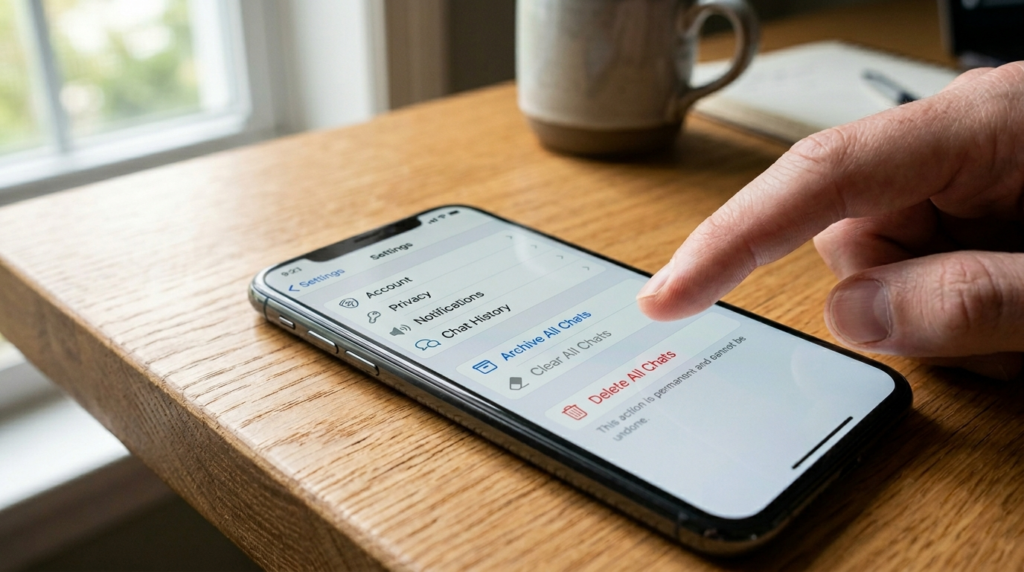
Not ready to pull the trigger today? Telegram has a clever middle ground: it can auto-delete your account if you simply stop logging in. This is the closest thing to a “deactivate” feature, and honestly, I think it’s underrated for anyone on the fence.
Open the app, go to Settings, then Privacy and Security, and find the “Delete My Account” or “If Away For” setting. You can choose 1 month, 3 months, 6 months, or 1 year of inactivity (some versions stretch up to 24 months). If you don’t sign in during that window, Telegram quietly deletes everything. If you come back even once before the timer runs out, the clock resets and your account stays put.
Telegram also auto-deletes genuinely inactive accounts by default after a long stretch of no activity, so an abandoned account won’t live forever either way. Setting a shorter timer just speeds that up on your terms.
Telegram Deletion Methods Compared
Quick side-by-side so you can pick the route that fits your situation.
| Method | Speed | Works On | Best For |
| Browser (deletion page) | Instant | Any device | Anyone who wants it gone right now |
| iPhone in-app shortcut | Instant | iPhone / iPad | iOS users who want fewer steps |
| Android (browser only) | Instant | Android | Android users (no in-app instant delete) |
| Self-destruct timer | 1–24 months | Any device | People unsure who might return |
Process verified on Telegram’s official deletion page, June 2026. Telegram occasionally tweaks menu labels between app versions.
What Actually Happens When You Delete Telegram
People expect a clean, total vanishing act. The truth is mostly that, with a few honest caveats worth knowing:
- Your account and data are erased. Messages, media, contacts, and profile info are removed from Telegram’s servers. Backend clearing can take some time, but from your side it’s gone instantly.
- Your one-on-one messages still exist for the other person. Anything you sent someone stays in their chat, but it shows under a blank “Deleted Account” label with no profile attached.
- You’re removed from all groups and channels. Groups you created get orphaned (admins keep control); you simply disappear from the member lists.
- Your phone number is freed up. You can register a fresh Telegram account with the same number later, but it starts completely empty, no old chats, contacts, or groups return.
- There may be a short cooldown. Telegram can temporarily limit re-registration on the same number to curb spam, so an instant re-signup isn’t guaranteed.
Common Mistakes People Make When Deleting Telegram
- Thinking uninstalling deletes the account. It doesn’t. The account lives on the server until you actually delete it on the web page.
- Skipping the data export. There’s no recovery. If you didn’t back up before deleting, those chats and photos are simply gone.
- Forgetting third-party logins. Delete the account and any service you logged into with Telegram can lock you out.
- Waiting for an SMS code. The code arrives inside the Telegram app, not by text. People sit staring at their SMS inbox for nothing.
- Entering the number wrong. Leave out the country code and the page won’t recognize you. International format is required.
- Deleting just to change numbers. If you only want a new phone number, you don’t need to delete anything, Telegram lets you change the number in Settings and keep all your chats.
Expert Tips Before You Hit Delete
- Use a desktop browser if you can. It’s the smoothest path, and it’s the only way to export your data first anyway.
- Tell key contacts you’re leaving. Since your profile becomes a blank “Deleted Account,” people may not realize where you went. A heads-up saves confusion.
- Consider the self-destruct timer as a trial run. Set it to 1 month, stop opening the app, and see if you actually miss it. If you don’t, it handles deletion for you.
- Turn on Auto-Delete Messages instead, if privacy is the real goal. This quietly removes messages on a timer without you having to leave the platform at all.
- Double-check the URL. Only ever use Telegram’s official domain for deletion. Phishing pages love to imitate this exact flow.
Should You Delete Telegram? Honest Pros and Cons
Reasons it’s a smart move
- You cut down on app clutter and constant notifications.
- You remove your data from a platform whose privacy and encryption defaults have drawn real criticism.
- A clean break is genuinely clean, no lingering “deactivated” shadow account.
Reasons to pause first
- It’s permanent, with zero recovery if you change your mind.
- You lose every group, channel, and saved chat tied to the account.
- Messages you sent still sit in other people’s chats, so it’s not a total erase of your words.
My take: if you’re leaving over privacy, deleting is reasonable, but pair it with a plan for where you’ll chat instead. If you’re leaving over burnout or distraction, the self-destruct timer or simply muting everything might get you 90% of the benefit without the point of no return.
Frequently Asked Questions
Can I recover my Telegram account after deleting it?
No. Telegram deletion is permanent and immediate, with no grace period and no recovery option. Once you confirm, your messages, contacts, and groups are erased for good. If you want Telegram again later, you’ll have to start a brand-new, empty account.
Does uninstalling the Telegram app delete my account?
No. Uninstalling only removes the app from your device. Your account, chats, and contacts stay live on Telegram’s servers, and people can still message you. To truly delete it, you must use Telegram’s official deletion page in a browser.
How do I delete my Telegram account without the app?
Use any web browser. Go to my.telegram.org/auth?to=delete-account, enter your phone number in international format, type the code Telegram sends inside the app, then choose Delete account and confirm. The app isn’t required to finish the process.
Why isn’t there a delete button inside the Telegram app?
Telegram intentionally keeps deletion on its web page for security and to prevent accidental removal. The iPhone app can launch the flow, and Android sends you to the browser, but the final confirmation always happens on the official deletion page.
Will people know I deleted my Telegram account?
Not through a notification. In your old one-on-one chats, your profile simply changes to a blank “Deleted Account” label with no name or photo. People who had your number may be notified only if you sign up again later.
Can I use the same phone number to make a new Telegram account?
Yes. After deletion your number is freed up, so you can register again with it. The new account starts empty, though, none of your previous chats, contacts, or groups return. Telegram may also apply a short cooldown before re-registration.
What happens to my groups and channels when I delete my account?
They become “orphaned,” meaning they continue to exist without an owner. Admins keep their rights and members can still talk, but no one holds full control. If a group matters, promote a trusted admin to owner before deleting.
How long does it take for Telegram to delete my data?
From your side, the account disappears the instant you confirm. Behind the scenes, fully clearing data from Telegram’s servers can take some time, but your profile, searchability, and group memberships are removed immediately.
Is the Telegram self-destruct timer the same as deactivating?
It’s the closest thing Telegram offers. You set an inactivity period (1 to 24 months), and if you don’t log in during that time, the account auto-deletes. Log in once before it expires and the timer resets, keeping your account active.
Should I back up my chats before deleting Telegram?
Yes, if any conversations or media matter to you. Use Telegram Desktop, then Settings, Advanced, Export Telegram Data, and save as HTML or JSON. Mobile apps can’t export, and after deletion there is no way to retrieve anything.
Final Verdict
Deleting your Telegram account is quick once you know the secret: it doesn’t happen in the app, it happens on Telegram’s official deletion page, and it’s final the second you confirm. The browser method is the cleanest for everyone, iPhone users get a small shortcut, and Android users are pushed to the browser whether they like it or not.

The part that actually matters isn’t the clicking, it’s the five minutes beforehand. Export anything you’d miss, hand off your groups, swap out any logins tied to Telegram, and make sure you can read that login code. Do that, and you walk away clean with zero regret. Skip it, and you’ll learn the hard way that “permanent” really means permanent.
If you’re still on the fence, set the self-destruct timer to a month and let your own behavior decide for you. Sometimes the best way to know whether you’re done with an app is to simply stop opening it.

Continue Reading on CripsyWire
For more practical tutorials and hidden features, see our full how-to guides section. AI workflow guides feed into the broader AI tools and agents coverage, phone tricks live in smartphones, and wearable setup walkthroughs in wearables. When you are deciding what to buy, the reviews and comparisons section helps. All part of CripsyWire Tech, and the homepage shows what is newest.