Short answer: If you own an iPhone 16 or 17 or a Pixel 10, buy a magnetic charger certified Qi2 or Qi2 25W. Those are the labels that matter now. Skip the old flat Qi pads unless you only need slow overnight charging or have an older phone. For Samsung, check your exact model and case before spending money, because many Galaxy phones need a magnetic case to use Qi2 properly.
Editorial note: this guide is built from manufacturer specs and independent published reviews. It is not based on our own lab testing, and prices change often, so confirm current pricing before you buy.
Why Wireless Charger Shopping Got Confusing
A few years ago, buying a wireless charger was simple. You picked a flat pad, set the phone on it, and hoped the coils lined up. Today the same shelf holds Qi pads, Qi2 pads, “Qi2 Ready” accessories, MagSafe-style stands, and 3-in-1 stations, often at very different prices for what looks like the same product.
The difference is not cosmetic. It decides whether your phone charges at full speed, whether it snaps into place, and whether your case gets in the way. This guide starts with those three questions, then moves to shape, price, and a shortlist.
Quick Guide by Situation
| Your situation | What to look for | Why |
| iPhone 16 or 17 | Qi2 25W certified, magnetic | Only these reach the 25W ceiling |
| iPhone 12–15 | Qi2 magnetic pad | Magnetic alignment, up to 15W |
| Pixel 10 | Qi2 magnetic (Pixelsnap-compatible) | Magnets built into the phone |
| Samsung Galaxy | Check model and magnetic case | Often “Qi2 Ready,” not fully magnetic |
| Phone, watch, earbuds | 3-in-1 station | One footprint on a desk or nightstand |
| Travel | Foldable or portable pad | Needs enough wattage with a case |
Qi, Qi2, and Qi2 25W: What the Labels Mean
The Wireless Power Consortium (WPC) sets the wireless charging standard. Qi2 launched in late 2023 and added magnetic alignment, so the phone and charger lock into position instead of relying on you to find the sweet spot. Qi2 25W delivers nearly 70% more power than the original Qi2. The consortium also says more than 13,000 wireless charging products are Qi Certified, so the Qi logo alone tells you very little about speed.
The label to know is Qi2 25W, the official brand name for what many stores still call Qi2.2. Every Qi2 25W product is magnetic. Before you buy, check the specific model in the WPC’s certified product database instead of trusting a claim on the box.
Older Qi chargers still work with newer phones, but without magnetic alignment and at lower power. That’s fine for an overnight bedside pad. It’s a poor fit for a desk charger you use for quick top-ups.
What Your Phone Can Actually Do
A charger can only deliver what your phone accepts, so start with your model.
iPhone
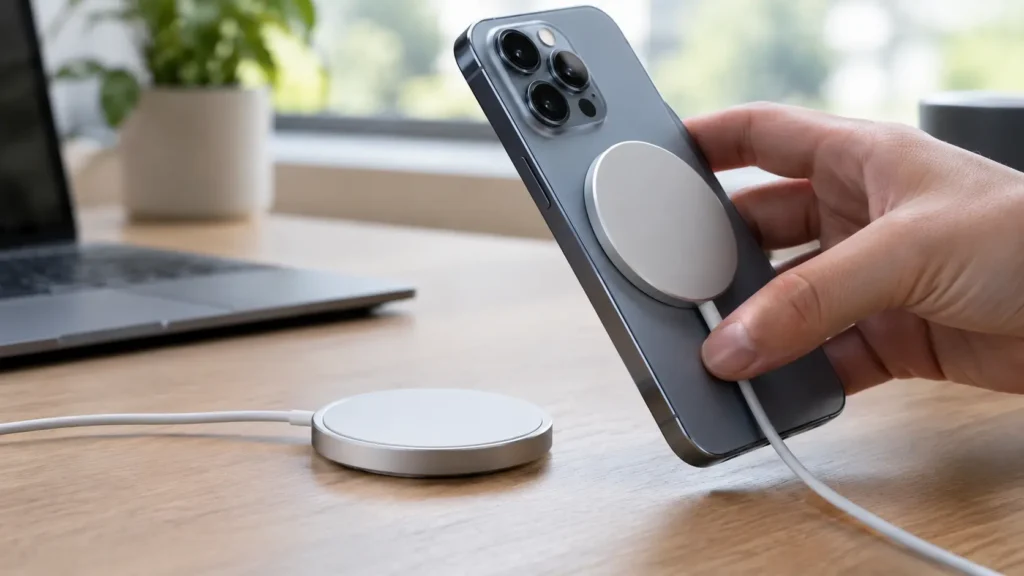
Apple’s MagSafe Charger provides up to 25W when paired with a 30W power adapter, and it’s certified for Qi2.2 and Qi. Apple lists up to 50% in around 30 minutes for compatible iPhone 16, 17, and Air models. For iPhone 12 and later, the 15W speed needs a 20W adapter.
There are two caveats. The iPhone 16e is excluded from Qi2 25W, and the iPhone Air tops out at 20W. Also remember that the adapter is usually sold separately, and a weak adapter quietly lowers your charging speed. If you’re shopping for a newer iPhone as well, our iPhone 17 Pro tips and settings guide covers what else changed.
Google Pixel
The Pixel 10 line has magnets built in. Google’s Pixelsnap charger is listed at up to 25W on the Pixel 10 Pro XL, or 15W on the Pixel 10 and 10 Pro. A 25W charger can’t push a phone past its own limit, so match the charger to your model and don’t pay extra for speed your phone can’t use. Browsing for a new Android? Start with our best Android phones of 2026.
Samsung
When the Galaxy S25 launched, reporting noted it was “Qi2 Ready,” meaning it needs a magnetic Qi2 case for full functionality. That was mid-2025 reporting, so verify your current model’s spec on Samsung’s site. I couldn’t confirm Galaxy S26 details. If your Galaxy has no built-in magnets, a thin magnetic case is the cheapest way to get the snap-on experience.
Pad, Stand, 3-in-1, or Power Bank?
Once you know the standard you need, pick the shape that fits how you live.
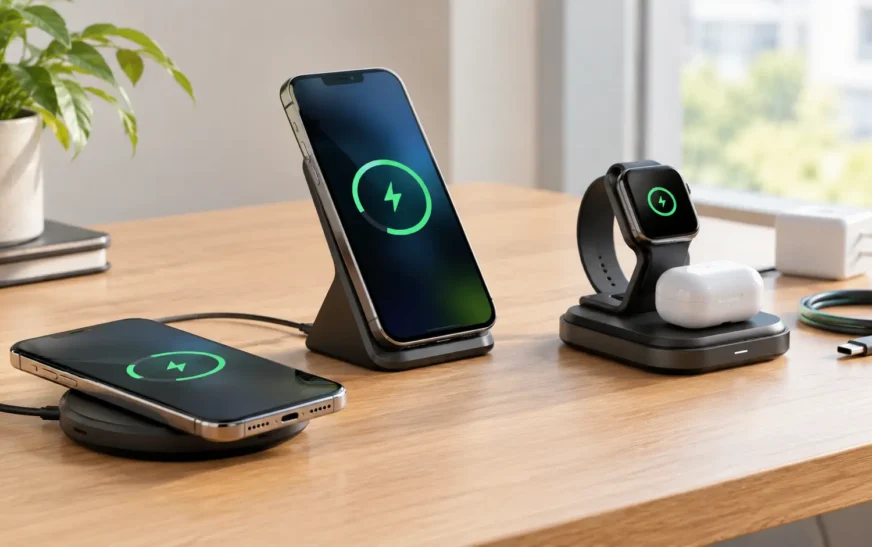
- Pad: the simplest and cheapest option. The phone lies flat, so you can’t glance at notifications. It’s best for a nightstand.
- Stand: better for desks, because the screen stays visible for calls and notifications. Check whether it supports your phone model, since some stands don’t officially support smaller phones.
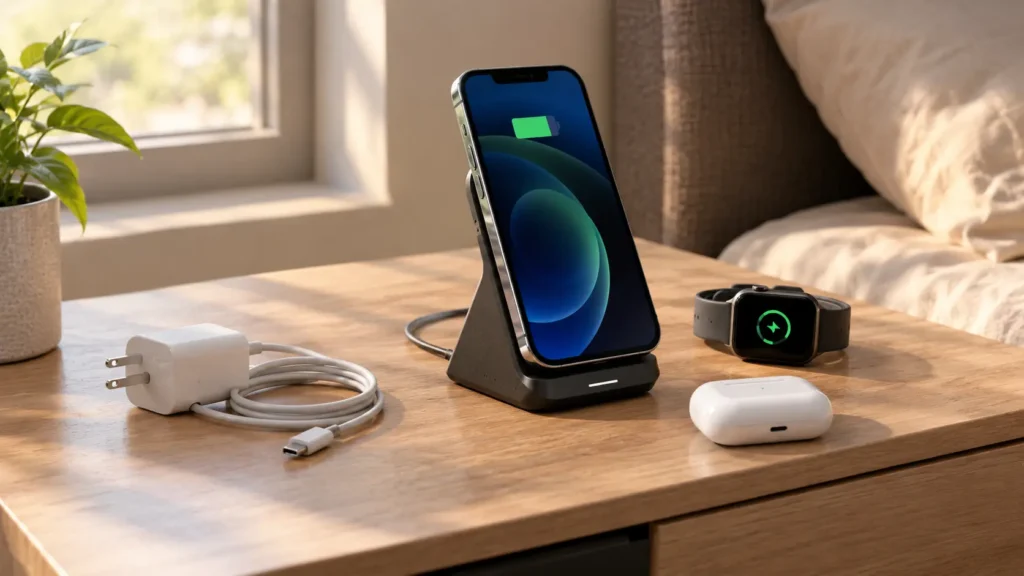
- 3-in-1 station: only worth it if you actually use a watch and earbuds. Confirm the watch puck’s wattage separately, because the headline number usually applies to the phone spot only.
- Magnetic power bank: useful for travel and commutes, but the battery adds its own weight and heat.
- Car mount: make sure it’s Qi2, not just Qi. Some car mounts support only older Qi, which charges slowly and may not hold a phone as firmly on bumpy roads.
Wireless earbuds with a wireless charging case, such as AirPods models that have one, can charge on any Qi pad. If your earbuds misbehave on a pad, our AirPods reset guide is a quick troubleshooting step.
How to Choose in Five Steps
- Identify your exact phone. Check the model name and whether it has built-in magnets.
- Match the standard. Qi2 25W for iPhone 16 and 17, Qi2 for iPhone 12–15 and Pixel 10, and a magnetic case for Galaxy.
- Check your adapter. Wireless charging speed depends on the wall adapter too, so confirm the wattage the charger asks for.
- Pick the shape. Pad for the bedside, stand for the desk, 3-in-1 if you carry a watch and earbuds, power bank for trips.
- Verify certification. Look the model up in the WPC database instead of trusting product-page language.
Models Worth Shortlisting
These are candidates drawn from published reviews and manufacturer specs, not our test results.
- Apple MagSafe Charger (1 m or 2 m): the safe pick for iPhone 16 and 17. Needs a 30W adapter, sold separately.
- Google Pixelsnap Charger: designed for Pixel 10, and it works with other Qi2 gear.
- Belkin BoostCharge Pro Portable pad: a portable pad that reviewers often describe as both fast and travel-friendly.
- Anker 313 Wireless Charger pad: a budget option for basic charging.
- Anker and Belkin Qi2 25W stations: both brands have announced Qi2.2 certification, but verify each specific model in the WPC database before buying.
Treat this list as a starting point. Prices, availability, and revisions change quickly, so compare a few current listings before you commit.
Heat, Cases, and Charging Problems
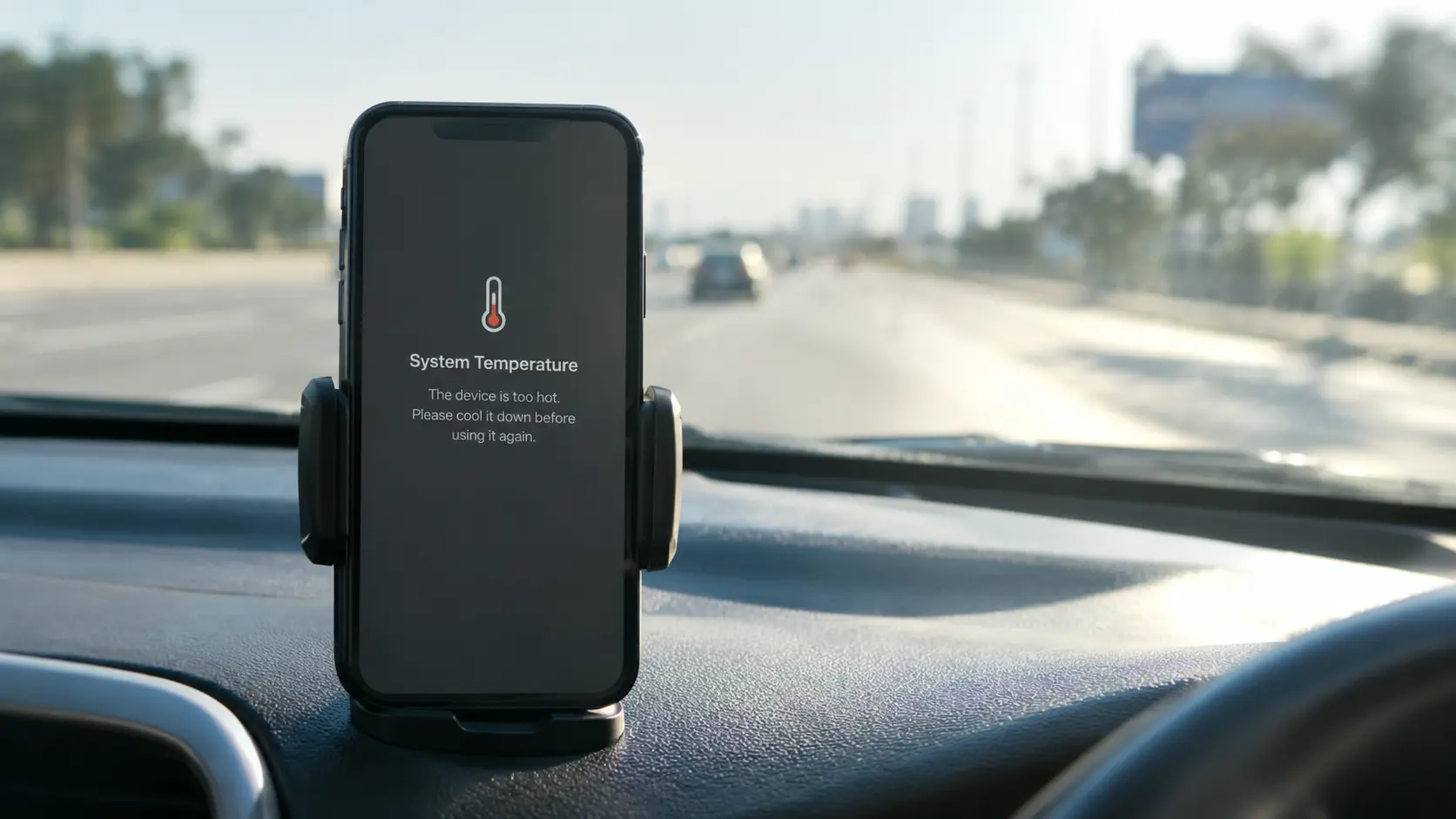
Wireless charging wastes more energy as heat than a cable, which is why your phone can feel warm on a pad. A little warmth is normal. A phone that is too hot to hold is not.
A few habits help:
- Take thick or bulky cases off, or use a thin magnetic case.
- Center the phone, even with magnets, and make sure nothing sits between phone and charger.
- Don’t game or record video while charging.
- Charge on a hard, open surface instead of a bed or sofa.
Our guide on why phones overheat explains what counts as normal versus worrying. If the phone isn’t charging at all, work through our phone-not-charging fixes first, since a bad cable or adapter is a more common culprit than the charger itself.
Mistakes to Avoid
- Buying a “25W” charger without a 25W-capable adapter and phone.
- Assuming “Qi2 Ready” means magnets are built in.
- Choosing the cheapest uncertified pad for a phone you plan to keep for years.
- Putting a thick or metal-plated case between the phone and charger.
- Paying extra for a 3-in-1 station when you only charge one device.
Match the charger to your phone first, then shape and price. For iPhone 16 and 17 or Pixel 10, buy certified Qi2 or Qi2 25W. If you have a Galaxy, check whether your model needs a magnetic case. Everyone else can save money with a good Qi2 or Qi pad. Confirm certification, check your adapter, and the right charger will be one you rarely have to think about.
Frequently Asked Questions
What type of wireless charger should I buy for my iPhone 16 or 17?
Buy a magnetic charger certified as Qi2 25W. It’s the only type that lets these models reach their full 25W wireless charging speed. Apple’s MagSafe Charger is a safe pick, but it needs a 30W adapter, which is usually sold separately.
What’s the difference between Qi, Qi2, and Qi2 25W?
Qi is the original wireless charging standard. It works with most phones but has no magnetic alignment and charges more slowly. Qi2 adds magnets so the phone locks into the right position. Qi2 25W, often sold as “Qi2.2,” delivers nearly 70% more power than the original Qi2, and every Qi2 25W product is magnetic.
Will an old Qi charger work with my new phone?
Yes. It will charge your phone, but at lower power and without magnetic alignment. That’s fine for a bedside pad you use overnight, but it’s a poor choice for quick top-ups at your desk.
Does a 25W charger make every phone charge at 25W?
No. A charger can only deliver what your phone accepts. For example, the Pixel 10 and 10 Pro charge at up to 15W on Google’s Pixelsnap charger, while the Pixel 10 Pro XL goes up to 25W. The iPhone Air tops out at 20W, and the iPhone 16e doesn’t support Qi2 25W at all.
What does “Qi2 Ready” mean on Samsung phones?
It means the phone supports Qi2 charging but doesn’t have built-in magnets. To get the full snap-on experience, you’ll need a magnetic Qi2 case. Check your exact Galaxy model on Samsung’s site before buying.
Why is my wireless charger slower than advertised?
The most common reason is a weak wall adapter. Wireless charging speed depends on the adapter too. For example, the MagSafe Charger needs a 30W adapter for 25W charging, and a 20W adapter for 15W charging on iPhone 12 and later. A thick case or poor alignment can also slow things down.
Is it normal for my phone to get warm on a wireless charger?
A little warmth is normal, because wireless charging loses more energy as heat than a cable. But a phone that is too hot to hold is not normal. Remove bulky cases, keep the phone centered, avoid gaming or recording video while charging, and charge on a hard, open surface.
Should I get a pad, a stand, or a 3-in-1 station?
A pad is simplest and works well on a nightstand. A stand suits a desk because you can see notifications. A 3-in-1 station is only worth it if you also charge a watch and earbuds. For travel, a foldable pad or magnetic power bank is more practical.
Can I charge my AirPods on a wireless charger?
Yes, if your AirPods have a wireless charging case. They can charge on any Qi pad.
How can I tell if a charger is really Qi2 certified?
Don’t rely on the box or product page. Look up the specific model in the Wireless Power Consortium’s (WPC) certified product database before you buy.
Can I use a regular Qi car mount with my new phone?
It will work, but a Qi2 car mount is the better choice. Older Qi-only mounts charge slowly and may not hold your phone as firmly on bumpy roads.

Continue Reading on CripsyWire
For more honest tech matchups, browse our full reviews and comparisons library. AI tool reviews live in AI tools and agents, phone reviews in smartphones, and wearable reviews in wearables. Before you buy, our step-by-step guides may help with setup decisions. The CripsyWire homepage highlights what is newest, all under our Tech coverage.