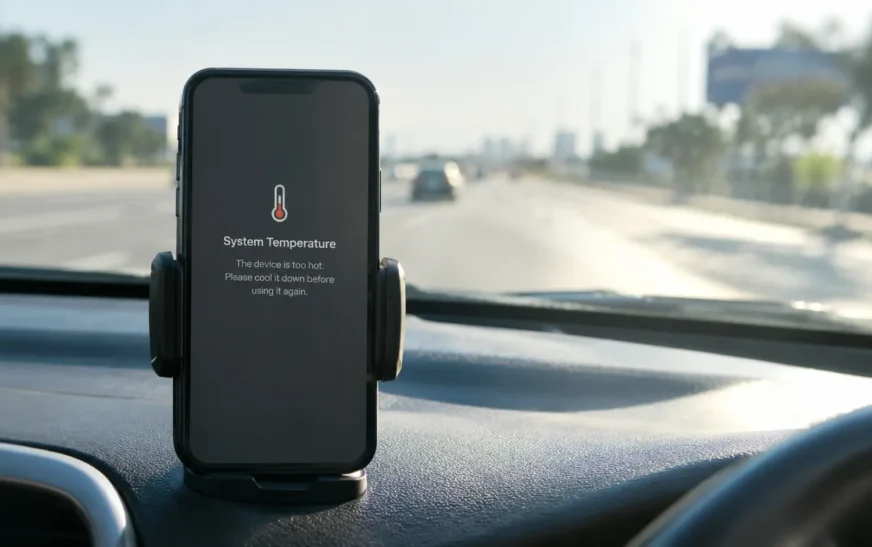
You’re ten minutes into a Google Maps drive. Phone on the dash, sun through the windshield, music streaming over Bluetooth. Then the screen dims, and a grey box tells you the phone needs to cool down. Navigation gone, right when you needed it.
Quick Answer
A phone overheats when it produces more heat than it can shed. The usual causes are heavy workloads like gaming or video calls, charging (especially fast or wireless), hot surroundings, a case that traps heat, weak signal, a misbehaving app, and an aging battery. Malware is rare. Most causes are fixable in minutes.
Here’s the part most guides skip: a warm phone is normal. A hot phone is a symptom. The trick is knowing which one you’re holding, and that depends on what the phone was doing and where it was sitting when it got hot.
Below, you’ll get a way to tell normal from worrying, the nine causes that actually matter, a fast cool-down routine, separate steps for iPhone and Android, and the point where it stops being a settings problem and becomes a battery problem. A couple of popular “fixes” on the internet will hurt your phone. I’ll name them.
Is It Normal for a Phone to Get Hot?
Yes, up to a point. Every phone makes heat. The processor, the screen, the radios and the battery all waste a little energy as warmth, and a slab of glass and metal has nowhere to dump it except into your hand and the air around it.
Samsung says as much on its own support page: a Galaxy phone may warm up during use, and that alone won’t shorten its life or hurt performance. Where it changes is comfort. If the phone feels too hot to keep using, stop and let it cool.
A rough field test, and this one is my own rule of thumb, not a lab spec: if you can hold the back of the phone against your palm for ten seconds without wanting to put it down, you’re in normal territory. If not, something is off.
| What you notice | Usually normal | Worth acting on |
|---|---|---|
| Warm back panel during a video call or gaming | Yes | Only if it keeps climbing |
| Warm while fast or wireless charging | Yes | If charging keeps stopping |
| Hot while sitting idle, screen off | No | Yes, check apps and battery |
| Screen dims on its own, apps slow down | Sometimes in sun | If it happens indoors |
| On-screen temperature warning | No | Yes, stop using the phone |
| Case bulging, screen lifting | Never | Stop charging, get it serviced |
That last row isn’t a settings issue. We’ll come back to it near the end.
What temperature is too hot for a phone?
Apple’s published guidance for iPhone is an ambient temperature between 0° and 35°C (32° to 95°F) while in use. Storage is a wider window, -20° to 45°C (-4° to 113°F). Push past those and the phone starts protecting itself: it dims the display, slows charging, and in bad cases shows a warning and refuses to work until it cools.
Ambient is the air, not the chip. The chip inside can run far hotter than the air without any harm, which is why the number on the thermometer outside matters less than how long the phone sat in the sun.
The damage worth caring about is slow. Apple notes that hot air above 35°C can permanently reduce battery capacity. A phone that cooked on a dashboard last July may be the same phone whose battery now dies by mid-afternoon.
Why Is My Phone Overheating? The 9 Real Causes
Most overheating comes down to one of nine things. Usually it’s two of them stacking up, like charging in a hot car while running navigation.
1. A heavy workload
Gaming, 4K video recording, long video calls, screen mirroring, AR filters. All of it keeps the processor and graphics chip pinned, and heat follows. Modern phones also run AI features on the device itself, which is new load that older phones never carried. If your phone got hotter after the iOS 27 rollout, Siri’s new AI features are one place to look, since on-device work isn’t free.
Camera-heavy tasks are the sneaky ones. Point the camera at things for a few minutes with camera-based search tools and you’re running the sensor, screen, processor and mobile data all at once.
2. Charging, especially fast or wireless
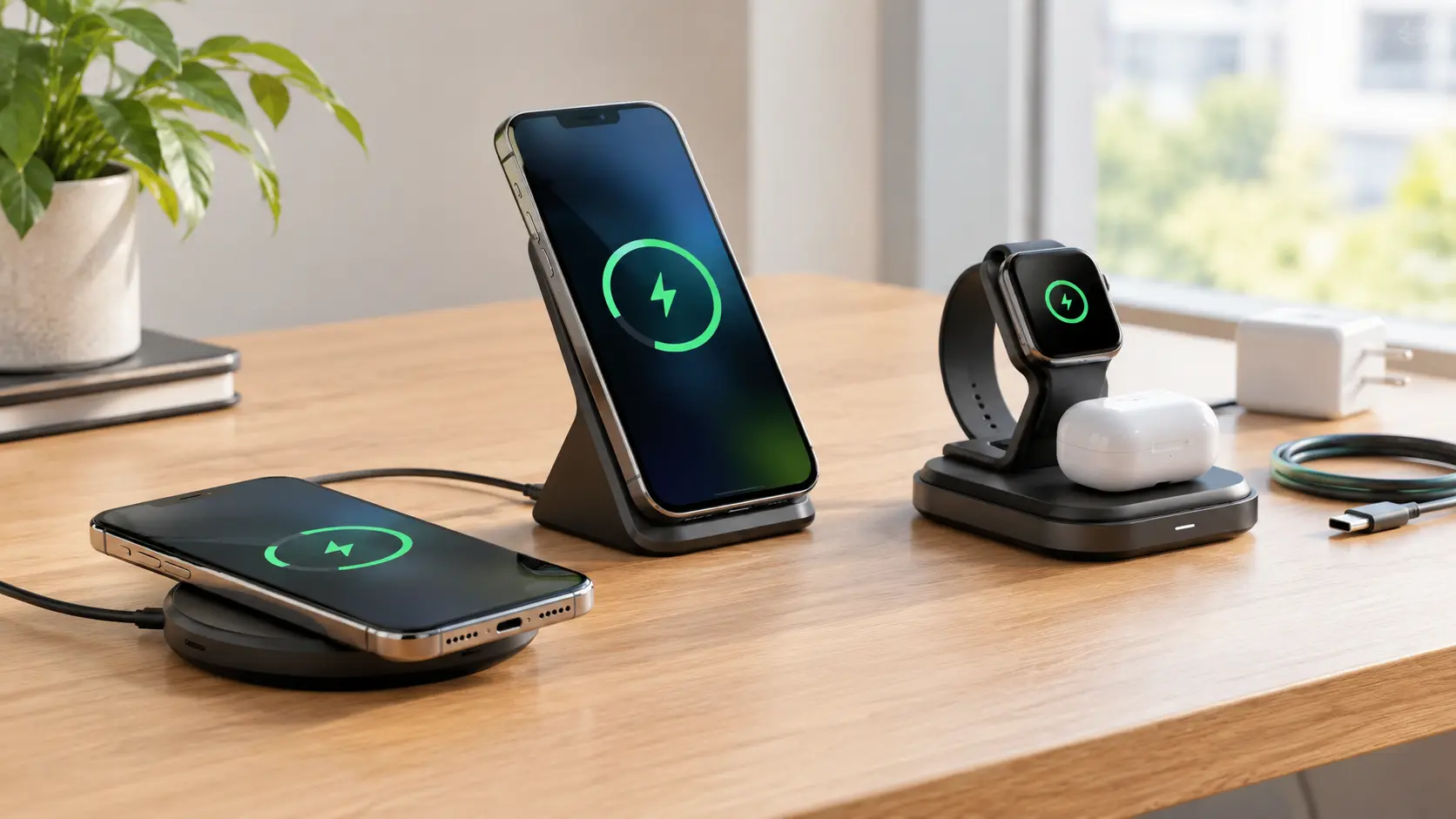
Charging pushes energy through a lithium-ion battery, and some of it leaves as heat. Wireless pads waste more than a cable does. There’s a full breakdown in its own section below.
3. Sun, cars and hot rooms
The single most common reason for a sudden temperature warning. A phone on a dashboard can sit in a hotter environment than the person next to it. Add GPS and a charging cable and you’ve built a small oven.
Beach days, outdoor concerts, hiking with the phone in a black pocket. Same story.
4. A case that traps heat
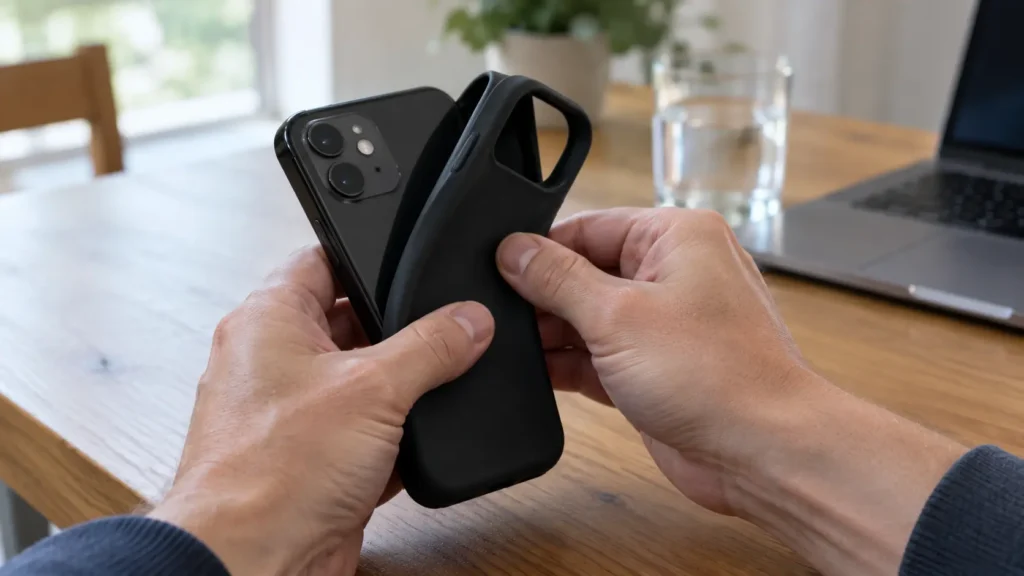
A thick rubber or leather case insulates the very surface the phone uses to cool down. Fine for normal use. Bad during a long game session, a car-mount navigation drive, or wireless charging. Pull it off when the phone gets hot and you’ll often feel the difference within minutes.
5. Weak signal and constant network retries
When coverage is poor, the phone cranks up its radio power to hold a connection, and it keeps hunting for towers. Elevators, basements, rural drives, crowded stadiums. A phone with one bar and a video call running is working hard for nothing.
Wi-Fi can do something similar when it’s unstable. A connection that says it’s up but keeps stalling, or a network that drops and retries, makes apps spin in the background. Even newer Wi-Fi generations don’t remove this problem when the router is in another room.
6. Background apps and one bad app
This is the cause behind most “my phone is hot and I’m not even using it” complaints. A social app refreshing constantly, a navigation app left running, a cloud backup stuck in a loop, a game that never fully closes. Pre-installed lock screen feeds like Glance and similar content layers on some Android phones also run in the background.
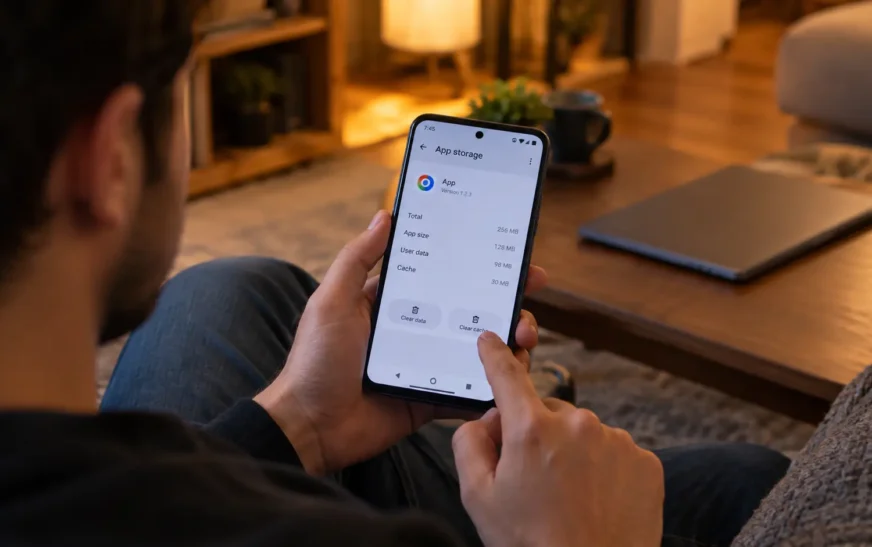
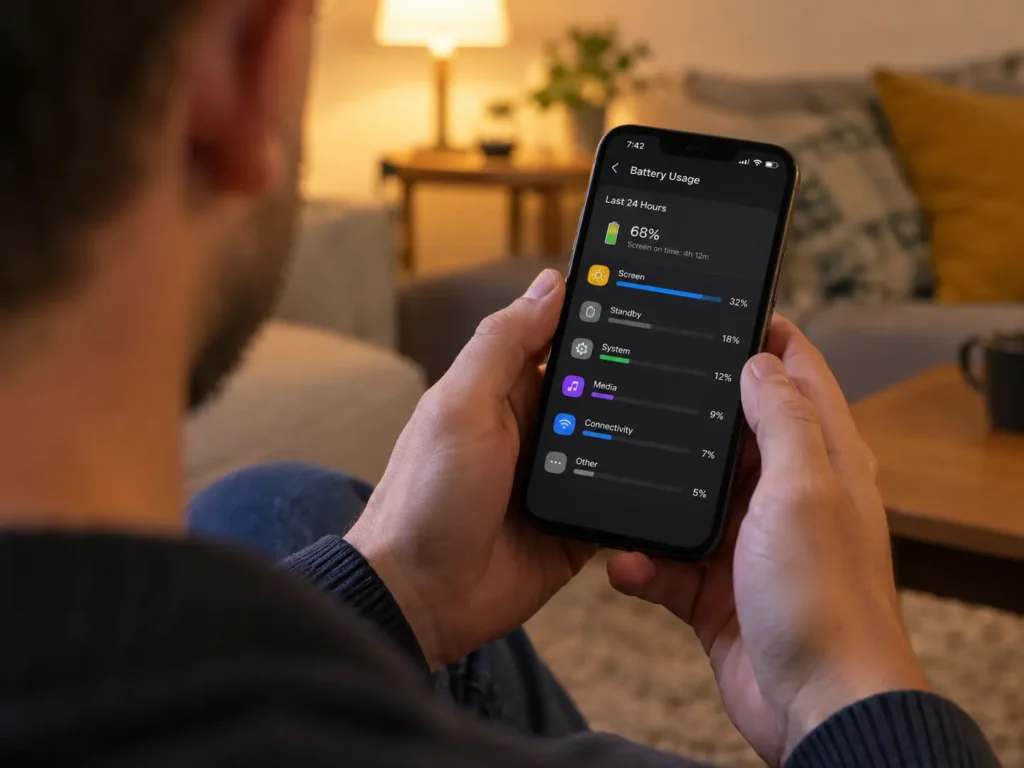
How you spot it: open the battery screen. On iPhone that’s Settings, then Battery. On Android it’s Settings, then Battery, then usage details. If one app has a strangely high share, that’s your suspect.
7. A recent update still settling
After a major OS update, phones often spend a day or two re-indexing photos, files and search, and re-optimizing apps. That means extra background work and a warmer phone. It’s usually temporary. If a phone is still hot after three or four days, treat it as a real problem and don’t just wait.
8. Nearly full storage
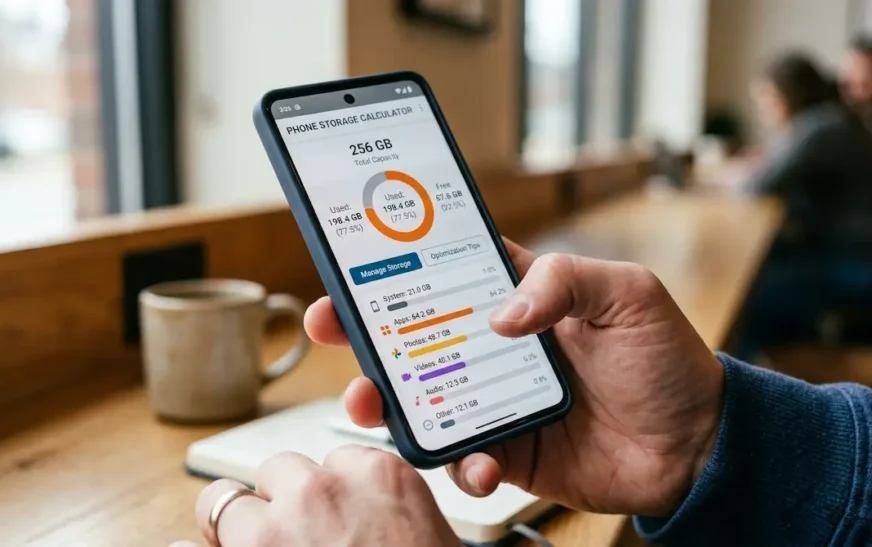
A phone with almost no free space struggles. It has less room to cache, and the system works harder shuffling data around. Photos and videos are the usual culprits. Check how much a 128GB phone actually holds before blaming the chip, and run your numbers through the phone storage calculator to see how close to the edge you are.
Storage on its own rarely causes severe heat. It makes every other cause worse.
9. An aging battery, or malware
Batteries wear out. As internal resistance rises, a battery makes more heat for the same job. Phones two to three years into heavy use commonly show this: hotter on a normal day, and battery percentage dropping fast.
Malware is the rarest cause but the nastiest. Apps that quietly mine cryptocurrency or run hidden ad fraud keep the processor busy around the clock. Bitdefender warns that this kind of constant load can even swell a battery on Android. Signs: heat while idle, a fast-draining battery, mobile data use you can’t explain, and apps you never installed.
Phone hot while idle? Check these three things
If the screen is off and the phone is warm, it’s almost never the hardware. Look at three things in order: the battery usage list for a rogue app, any download, backup or sync still running, and whether you installed an update in the last couple of days. If none of those explain it and the heat comes back after a restart, suspect the battery or malware.
Why Is My Phone Overheating When Charging?
Short Answer
Charging turns electrical energy into stored chemical energy, and some of it escapes as heat. Fast chargers push more power, wireless pads waste more of it, and cases, blankets and sunlight stop the heat leaving. Warm is normal. Too hot to hold, or charging that keeps stopping, is not.
Three things stack up here, and you control two of them.
Speed. More watts means more heat. A 45W-plus charger will run warmer than a basic 10W one, especially in the first half of the charge, when the battery accepts power fastest.
Method. A cable is generally more efficient than a wireless pad, so less energy turns into waste heat. Wireless charging also gets worse when the phone sits off-center on the pad, because it burns more energy to keep a link. Samsung notes wireless and fast charging can both make the phone feel warmer than usual.
Setup. A thick case, a pillow, a bedsheet, a car cup holder in July. Anything that wraps the phone while it charges.
Then there’s using the phone while it charges. Gaming on a charging phone is the classic way to trigger a temperature warning, because you’re heating the phone from the inside and the outside at the same time.
Quick charging heat fixes
- Take off a thick case before charging.
- Charge on a hard, open surface, never on a bed or sofa.
- Center the phone on a wireless pad, or switch to a cable on hot days.
- Use a certified charger and a cable that isn’t frayed. A cheap, damaged cable can deliver power badly and run hot.
- Don’t play games or record video while it charges.
If the phone still runs hot on a good cable and charger, or charging keeps dropping out, you may have a charging port or battery issue. Our guide to charging problems and what to check covers lint in the port, worn cables and the cases where the phone is the problem.
How to Cool Down an Overheating Phone Fast
Short Answer
Stop using it, unplug it, take off the case, and move it somewhere shaded and cool. Turn on airplane mode and close heavy apps. Let it cool naturally for 10 to 15 minutes. Never put it in a fridge or freezer.
When the phone is already hot, speed matters, but so does restraint. Do these in order.
- Stop what’s running. Close the game, the camera, the navigation app. Heavy apps keep producing heat even when you stop looking.
- Unplug the charger. Charging is a heat source. Pull it.
- Remove the case. The back of the phone is its radiator.
- Get out of the sun. Shade, a cool room, a car with the air conditioning on. Not the glovebox.
- Turn on airplane mode. This shuts off the radios, which are a steady heat source, especially with weak signal.
- Lower brightness or turn the screen off. A bright screen is one of the biggest single heat makers.
- Wait. Ten to fifteen minutes is usually enough. Don’t power it back on and immediately launch the same app.
What not to do when your phone is hot
Don’t put it in the fridge or freezer. It looks logical, but rapid cooling can cause condensation inside the phone, and a battery that’s gone from hot to freezing in minutes is under stress. Slow cooling is safer.
Don’t drop it in front of a fan on max and walk away either. A gentle breeze is fine. A cold blast is the same problem in a smaller dose.
And don’t ignore a temperature warning. The warning exists because the phone has already started shutting things down to protect itself.
How to Fix an Overheating Phone: iPhone and Android Steps
Cooling the phone down fixes today. These steps fix next week. Work through them in order, and stop when the heat stops.
How to fix iPhone overheating
- Restart the phone. Boring, but it clears stuck background processes.
- Update iOS. Settings, General, Software Update. Heat bugs often get patched in point releases.
- Find the heat-maker. Settings, Battery. Look at the usage list. An app that eats a huge share without you using it is the suspect. Update it, or delete and reinstall it.
- Cut background activity. Settings, General, Background App Refresh. Turn it off for apps that don’t need it, or set it to Wi-Fi only.
- Try Low Power Mode. Settings, Battery. It trims background work and some visual effects, which lowers heat.
- Check battery health. Settings, Battery, Battery Health & Charging. A low maximum capacity points to a worn battery.
- Reset settings as a last software step. Settings, General, Transfer or Reset iPhone, Reset All Settings. This keeps your data and clears odd configuration problems.
If you’re on a newer model, spend ten minutes in the iPhone 17 Pro settings and tricks we’ve collected. A few minutes there is a better use of time than scrolling forums for fixes.
How to fix Android overheating
Menus vary by brand, so look for the same idea under slightly different names.
- Restart. Same reasoning as iPhone.
- Update the system and apps. Samsung: Settings, Software update, Download and install. Pixel and most others: Settings, System, Software update. Then update apps in the Play Store.
- Check battery usage. Settings, Battery, usage details. Find the app with unusual drain.
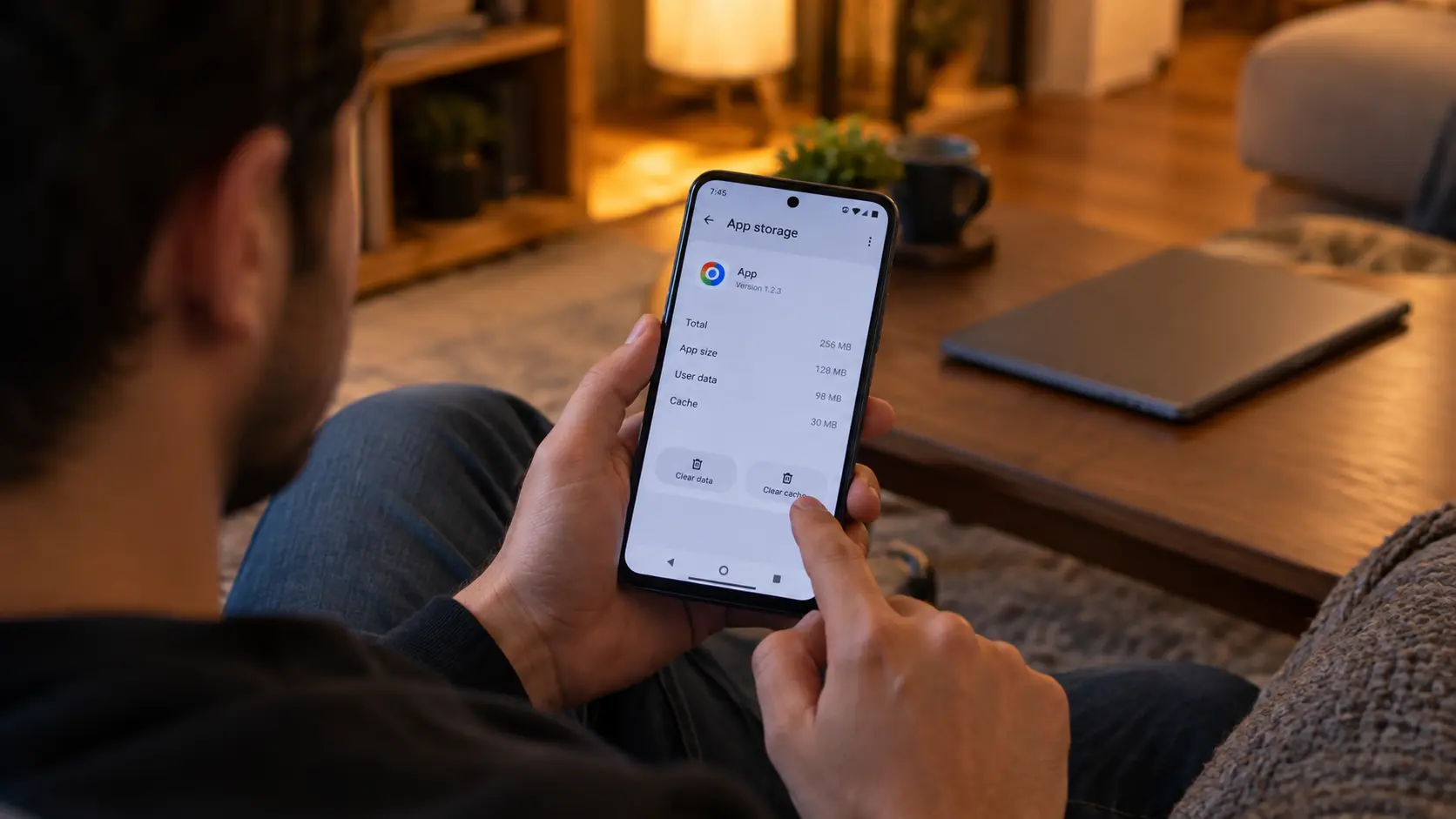
- Restrict background activity for that app. Settings, Apps, pick the app, Battery, then choose Restricted. Don’t restrict messaging or alarm apps you rely on.
- Lower the refresh rate and brightness. A 120Hz screen at full brightness is a real heat source. Drop to standard refresh in display settings and use adaptive brightness.
- Turn on battery saver. It limits performance, and a lower workload runs cooler.
- Boot into safe mode to test. If the phone runs cool in safe mode, a third-party app is the cause. Remove recent installs one at a time.
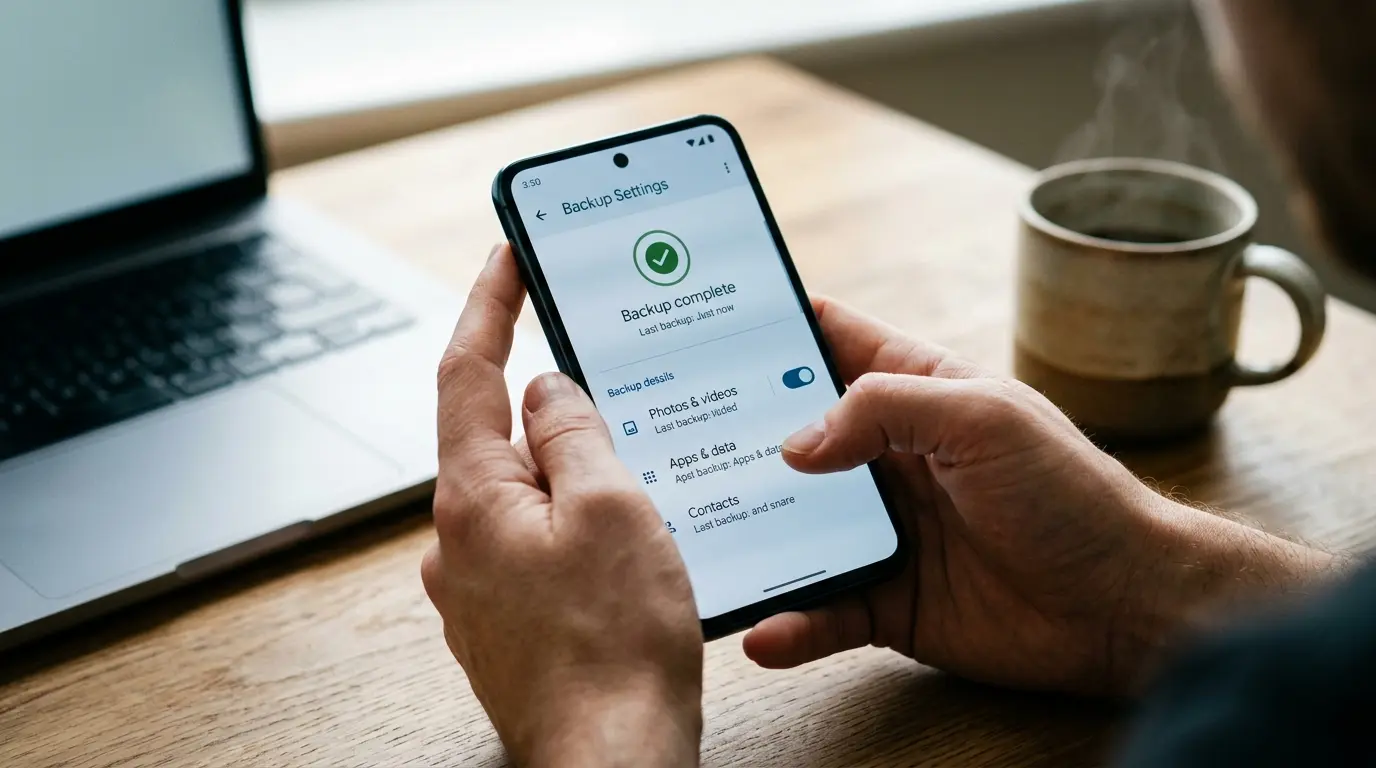
- Scan for malware. Use Google Play Protect, or a well-known security app. If heat and drain continue, a factory reset is the clean fix. Back up first.
The pattern is the same on both platforms: find the app, reduce background work, update, and then test the battery.
How to Stop Phone Overheating for Good
Fixes handle the fire. Habits stop the next one.
- Keep it out of cars. A parked car is the harshest environment your phone will ever see. Don’t leave it there, and don’t mount it in direct sun for long drives. Aim the vent at it, or put it in shade.
- Pick the case for the use. Slim for everyday. Take it off for gaming sessions, long navigation, and wireless charging.
- Charge smart. Charge overnight on a hard surface, not under a pillow. Use certified chargers. Avoid heavy use while charging.
- Keep storage under control. Leave some breathing room. Offload photos to the cloud or a computer before the phone is nearly full.
- Watch your data and signal. In weak signal areas, use Wi-Fi calling or airplane mode if you’re not using the phone. If you want to see how much mobile data you really burn, try the data usage calculator and read how much mobile data you actually need. Less streaming over bad signal means less radio strain.
- Audit apps every few months. Delete what you don’t use. Review permissions. Be suspicious of flashlight, cleaner and free VPN apps you never opened.
- Take breaks during heavy sessions. A thirty-minute game session is a different thermal event than a three-hour one. Give it ten minutes.
When an Overheating Phone Needs a Repair or Replacement
Software fixes have limits. Past a certain point, the hardware is the problem, and no setting will rescue it.
Signs the battery is the problem
- The phone is hot even after a restart, with nothing running
- Battery percentage drops fast or jumps around
- The phone shuts off at 20 or 30 percent
- The maximum capacity reading is low, or the phone has been through a heat event like a hot car
- It was fine for two years and slowly got worse
Battery replacement is the usual answer. It’s cheaper than a new phone and often brings the temperature back down. Use the maker’s service or a reputable repair shop with proper parts.
Stop using the phone if the battery is swollen
This is the one case where I’d say stop, not troubleshoot. If the screen is lifting, the back panel is bulging, the case no longer closes, or the phone rocks on a flat table, the battery is swelling. A swollen lithium-ion battery can leak or, rarely, ignite.
Don’t charge it. Don’t press on it or try to open it. Power it down and take it to the manufacturer or a certified repair shop. If you notice a burning smell or smoke, put it on a non-flammable surface away from anything else and call local emergency services.
When to replace the phone instead
If the phone is four or five years old, no longer gets security updates, and runs hot doing basic tasks, a new battery buys time but not much else. At that point, look at a replacement. If you’re on Android, our list of the best Android phone picks for 2026 is a good place to start. If you’re an iPhone person, check the iPhone 18 release schedule first, since the lineup is split and timing affects what you should buy now.
One honest note on new phones: they aren’t immune. Thinner bodies, faster chips and bright high-refresh displays all make heat. A newer phone handles it better, but it doesn’t make physics go away. The habits above still apply.
Is a hot phone dangerous?
Most of the time, no. Modern phones throttle performance, slow charging and shut down before temperatures become unsafe. The risk shows up with damaged batteries, bad chargers and swelling. If the phone is merely warm after gaming, you’re fine. If it’s hot, bulging, smells odd, or has been dropped or crushed, treat it as a safety problem.
Phone Overheating FAQs
Why is my phone overheating all of a sudden?
A sudden change usually has a recent trigger: an OS update still settling, a newly installed app, a hot environment, a different charger, or weak signal. Check battery usage for a rogue app, remove the case, and restart. If heat keeps returning without a clear trigger, suspect a worn battery or malware.
Why is my phone overheating when I’m not using it?
A hot idle phone is running something in the background. Common causes are a stuck backup or sync, an app refreshing constantly, a recent update re-indexing files, weak signal, or malware. Open your battery usage list, find the app with unusual drain, restrict or remove it, then restart.
Why does my phone overheat when charging?
Charging converts power into stored energy and some escapes as heat. Fast charging and wireless pads add more, and thick cases, sunlight or soft surfaces trap it. Remove the case, charge on a hard surface, use a certified cable, and avoid gaming while plugged in.
Is it bad if my phone gets hot?
A warm phone during gaming or charging is normal. Repeated or extreme heat is a problem, because high temperatures can shorten battery life and permanently cut capacity. Apple says air above 35°C (95°F) can permanently damage battery capacity. Treat on-screen temperature warnings and bulging cases seriously.
How long does it take for a hot phone to cool down?
Most phones cool within ten to fifteen minutes once you stop using them, unplug the charger, remove the case and move them to shade. If a phone stays hot after half an hour with nothing running, restart it and check for a rogue app or a failing battery.
Can overheating damage my phone permanently?
Yes. Repeated overheating can reduce battery capacity for good, and extreme heat can swell a battery or damage components. A single warm gaming session won’t do it. Hot cars, long charging in sun and chronic heat will. If the battery bulges, stop using the phone and get it serviced.
Does a phone case cause overheating?
A case doesn’t create heat, but a thick one stops the phone shedding it. The effect shows during gaming, navigation, fast charging and especially wireless charging. If your phone runs hot, take the case off for a few minutes and check whether the temperature drops.
Should I put my overheating phone in the fridge or freezer?
No. Rapid cooling can cause condensation inside the phone, and sudden temperature swings stress the battery. Stop using it, unplug it, remove the case and let it cool slowly in a shaded room. A gentle fan is fine. A cold shock is not.
Is it safe to charge a phone that feels hot?
Unplug it and let it cool first. Charging a hot phone adds more heat and can slow or stop charging. If it’s only warm, continue with a cooler setup. If it’s hot to the touch, smells odd or looks swollen, don’t charge it again until it’s inspected.
The Bottom Line
A warm phone is normal, and a hot phone is telling you something. Start with the cheap suspects: sun, case, charger, signal and one noisy app. Fix those and most overheating disappears. If it doesn’t, look at the battery. If the battery is swollen, stop using the phone and get it serviced.

Continue Reading on CripsyWire
For more practical tutorials and hidden features, see our full how-to guides section. AI workflow guides feed into the broader AI tools and agents coverage, phone tricks live in smartphones, and wearable setup walkthroughs in wearables. When you are deciding what to buy, the reviews and comparisons section helps. All part of CripsyWire Tech, and the homepage shows what is newest.